Mobile app · Web edition · en / ar / fa
Every learner, every session, every dirham, accounted for.
Academy Manager keeps students, classes, attendance and money in one place, with the rigour of a ledger and the simplicity of a phone app. Offline on Android, self-hosted on the web, and the two exchange the same encrypted backup file.
- 450
- translation keys × 3 languages
- 77
- automated checks passing
- 127
- pages per second, 4 workers, one small server
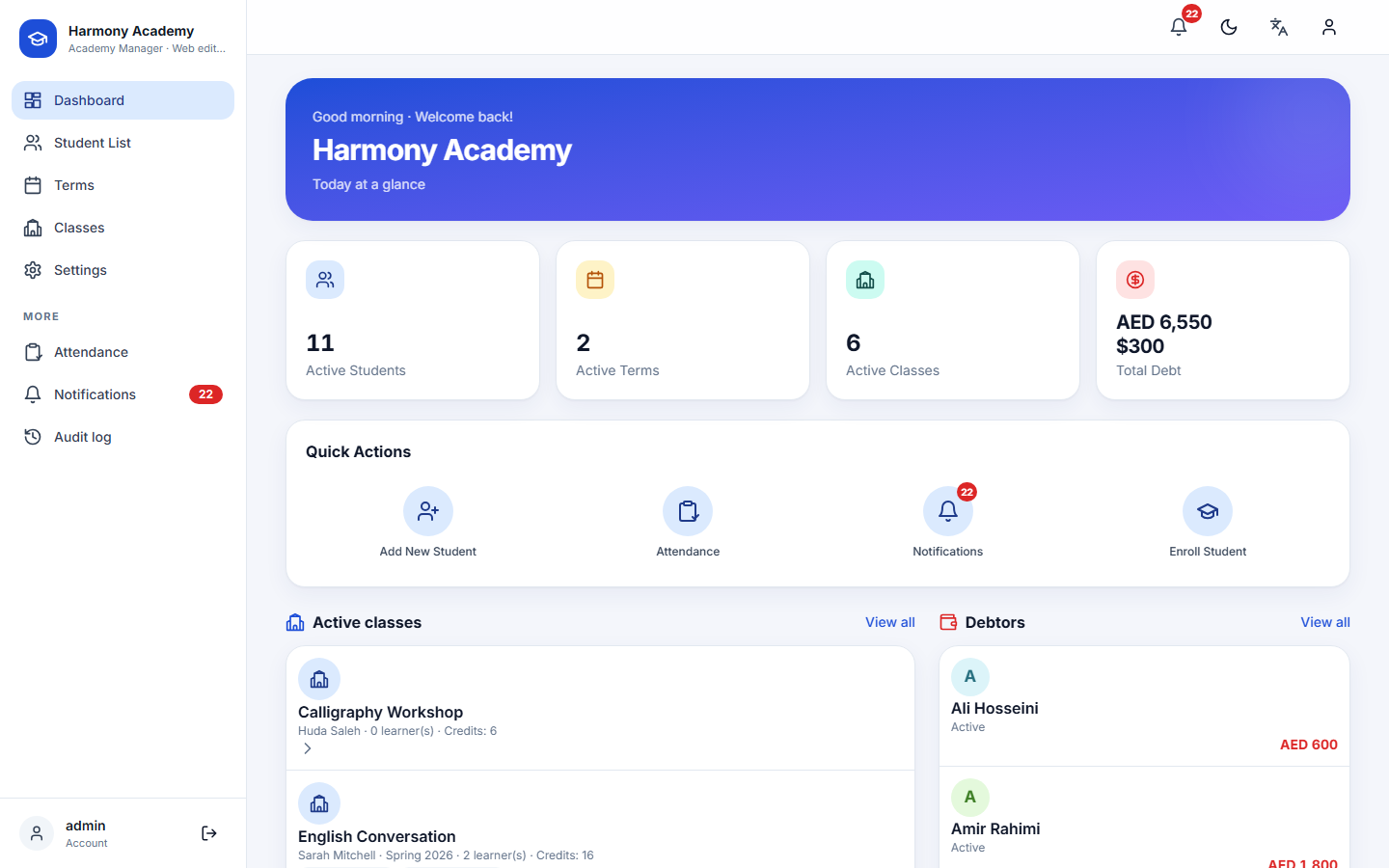
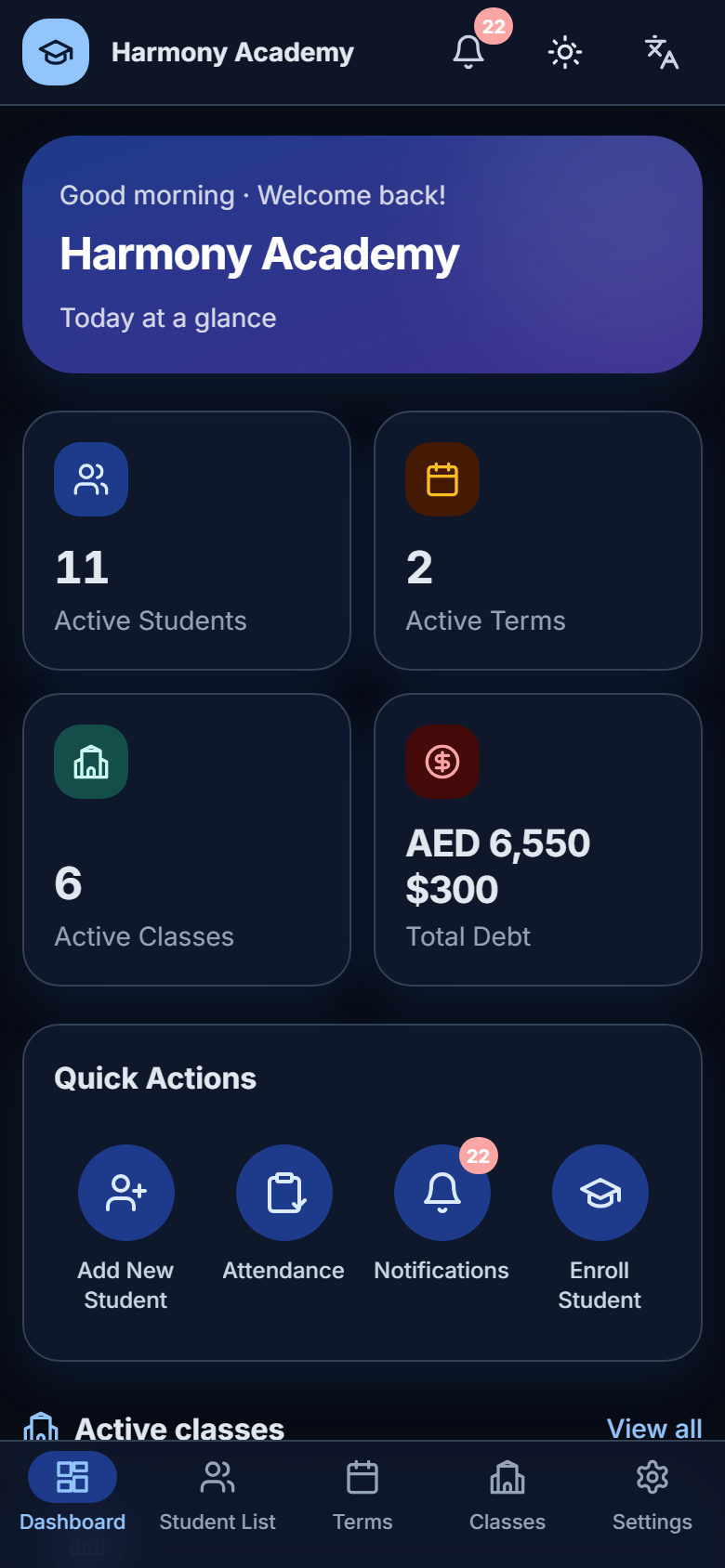
Everything an academy needs, nothing it does not
Built around the way small academies actually work: terms and classes, learners who come and go, tuition paid in parts, and parents who want a clear report.
Students
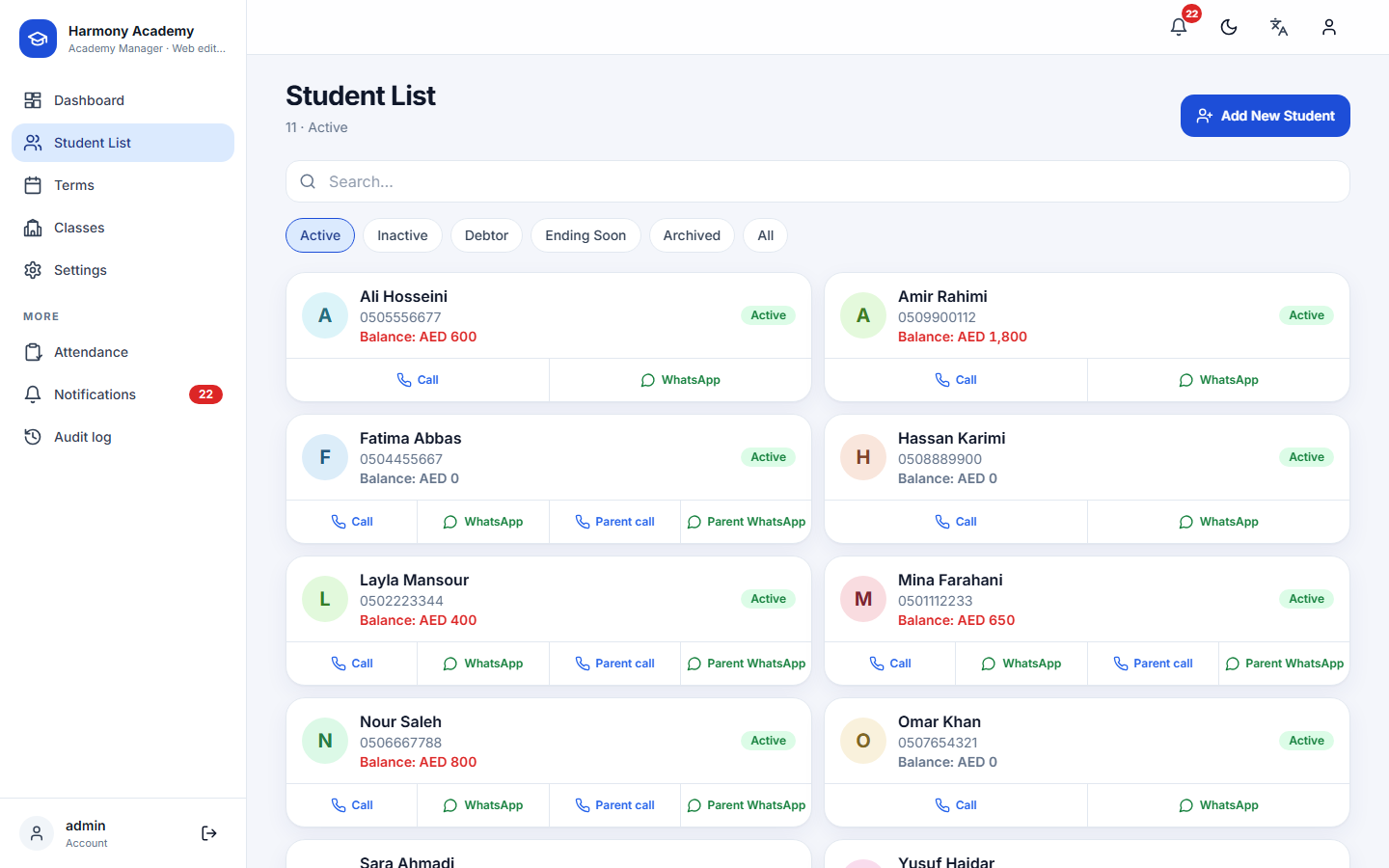
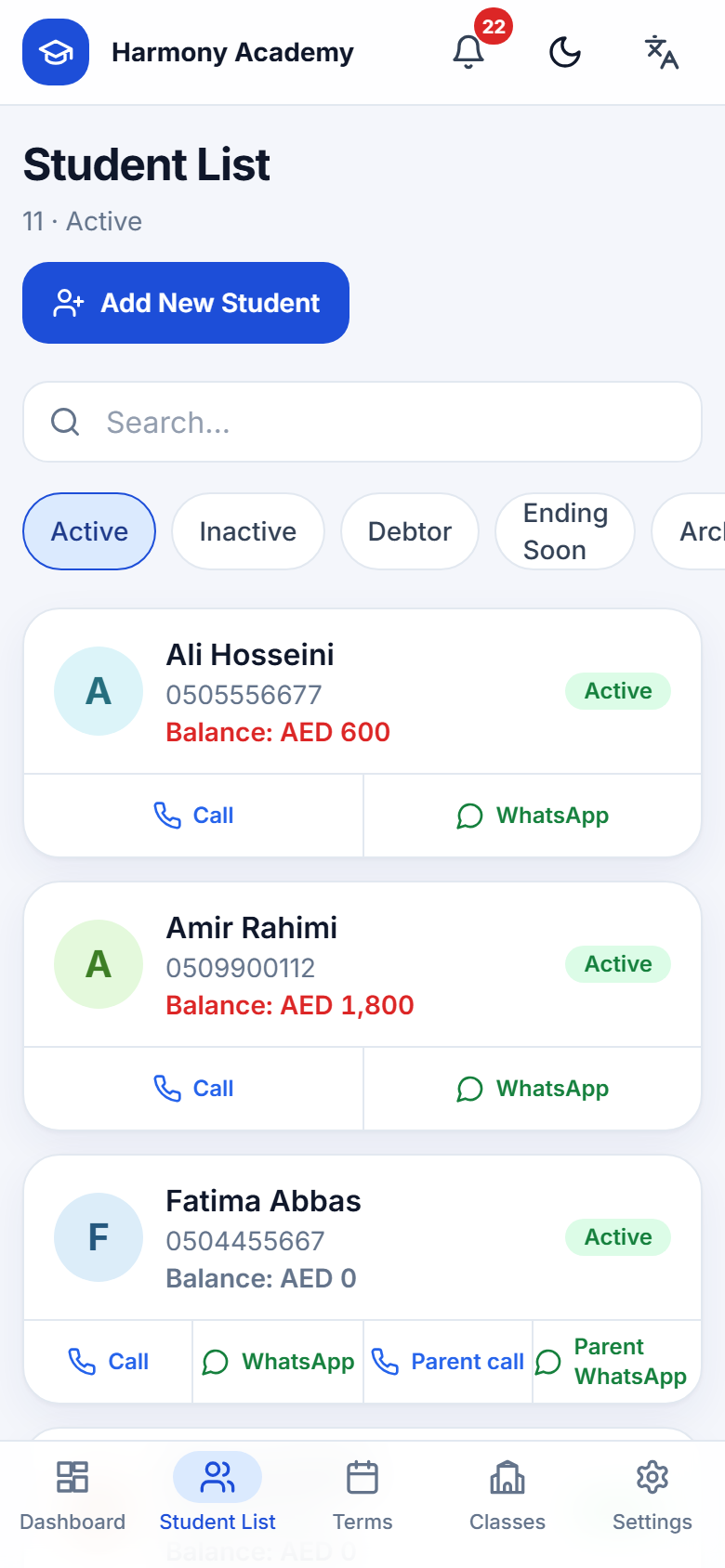
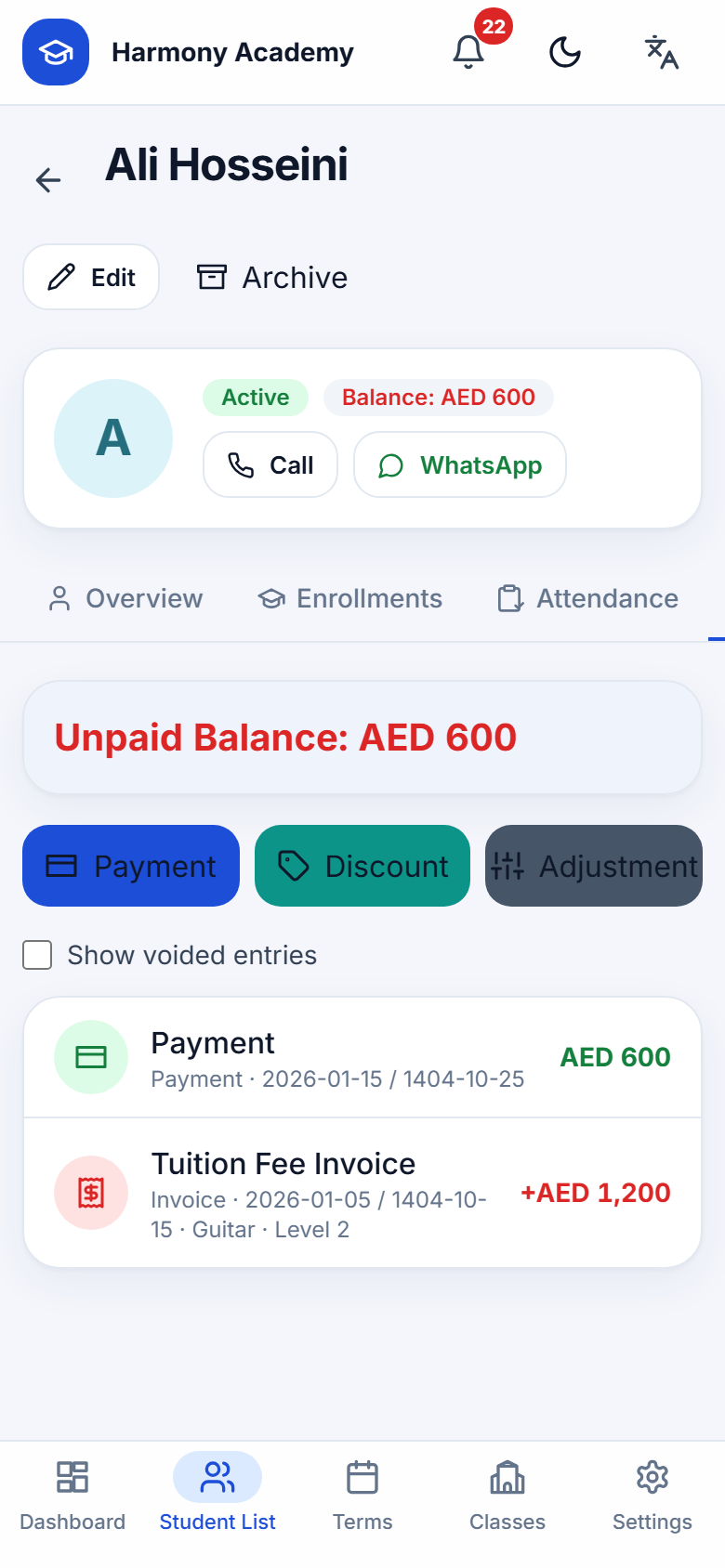
Profiles with photo, contacts, guardian phone, referrer and notes. Call or WhatsApp in one tap. Six live filters: active, inactive, debtors, ending soon, archived, all.
Read moreTerms & classes
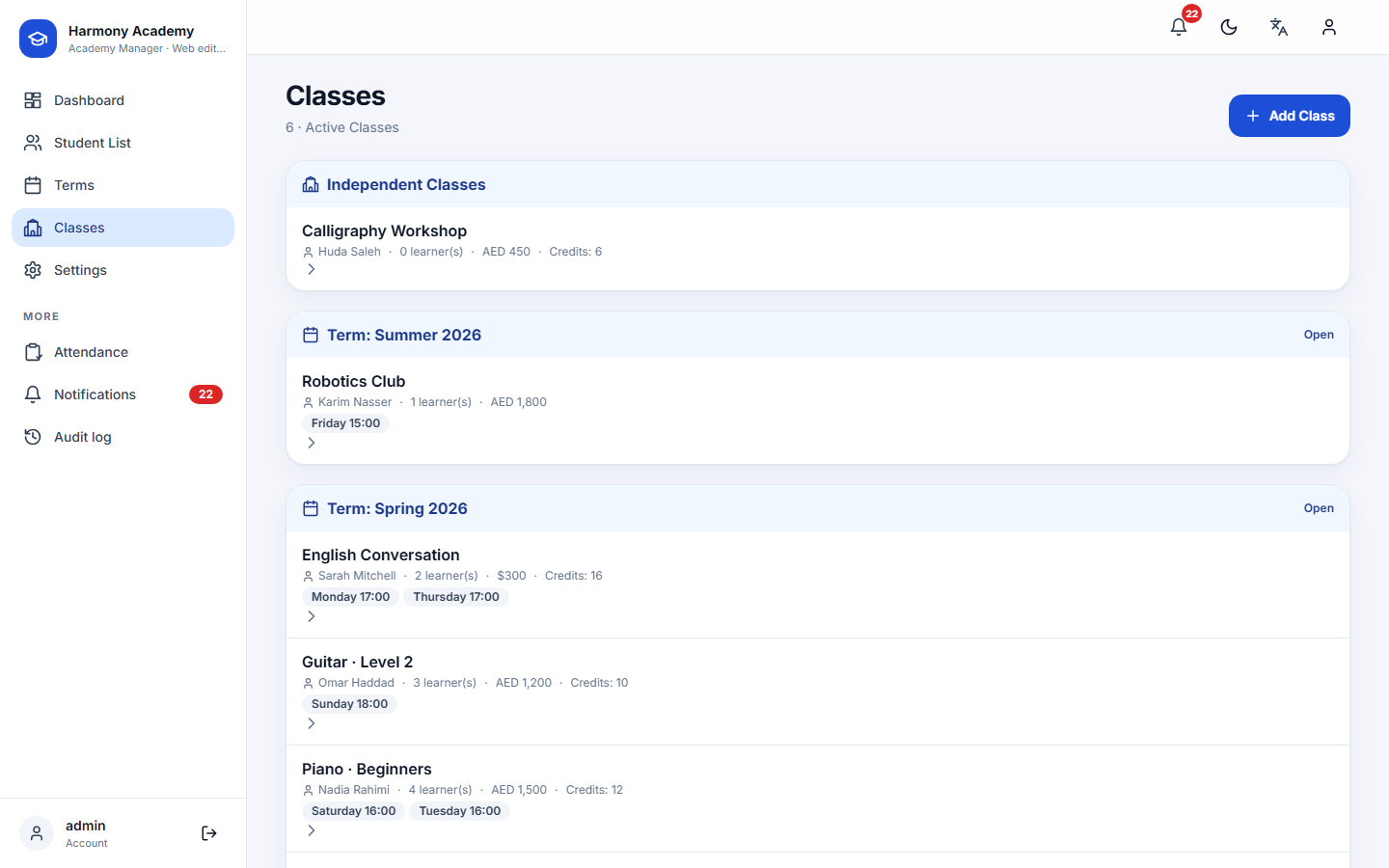
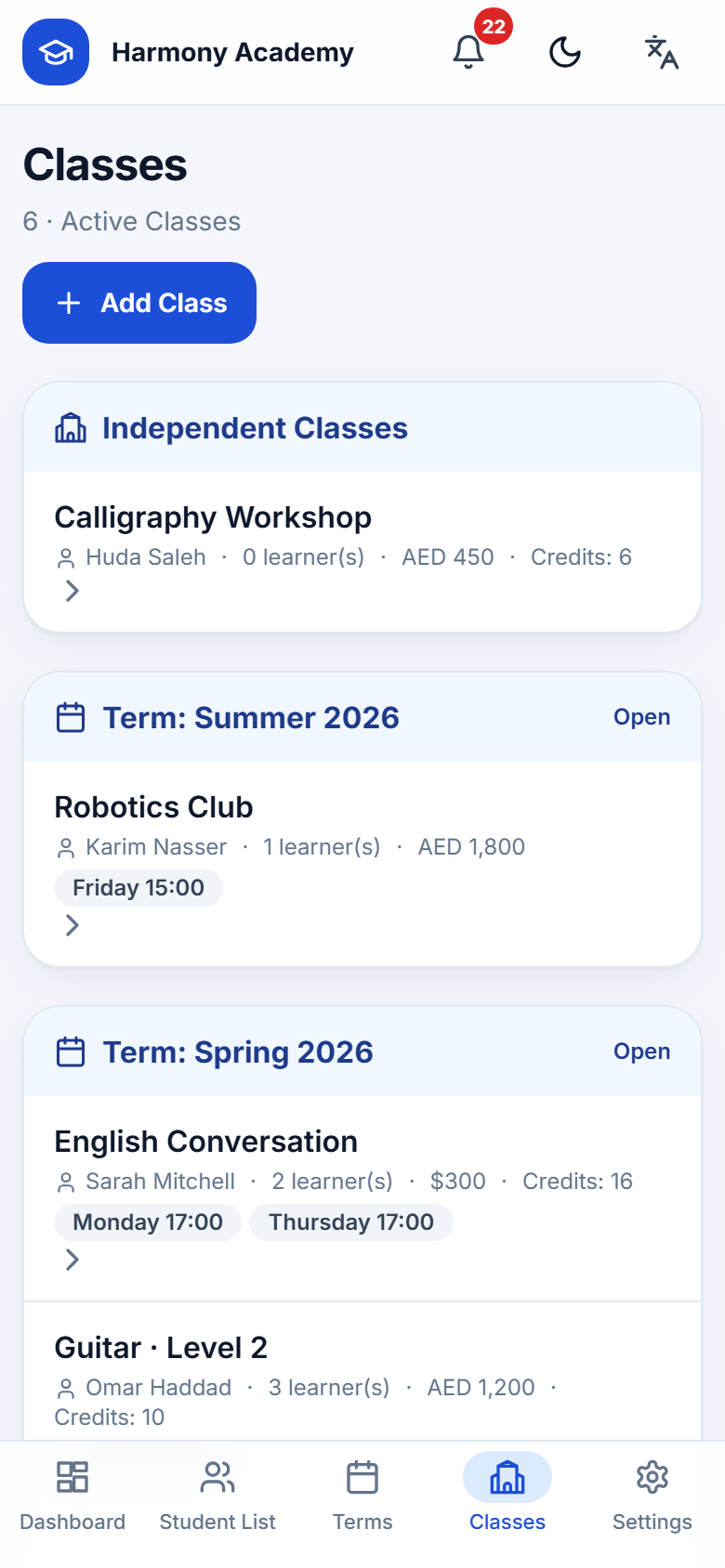
Classes belong to a term or stand alone. Teacher, weekly schedule, capacity, default tuition in AED, USD or Toman, and the number of session credits sold.
Read moreEnrollment
One form opens the tuition invoice, applies a manual discount and any earned referral credit, checks capacity and warns about timetable clashes.
Read moreAttendance & session credits
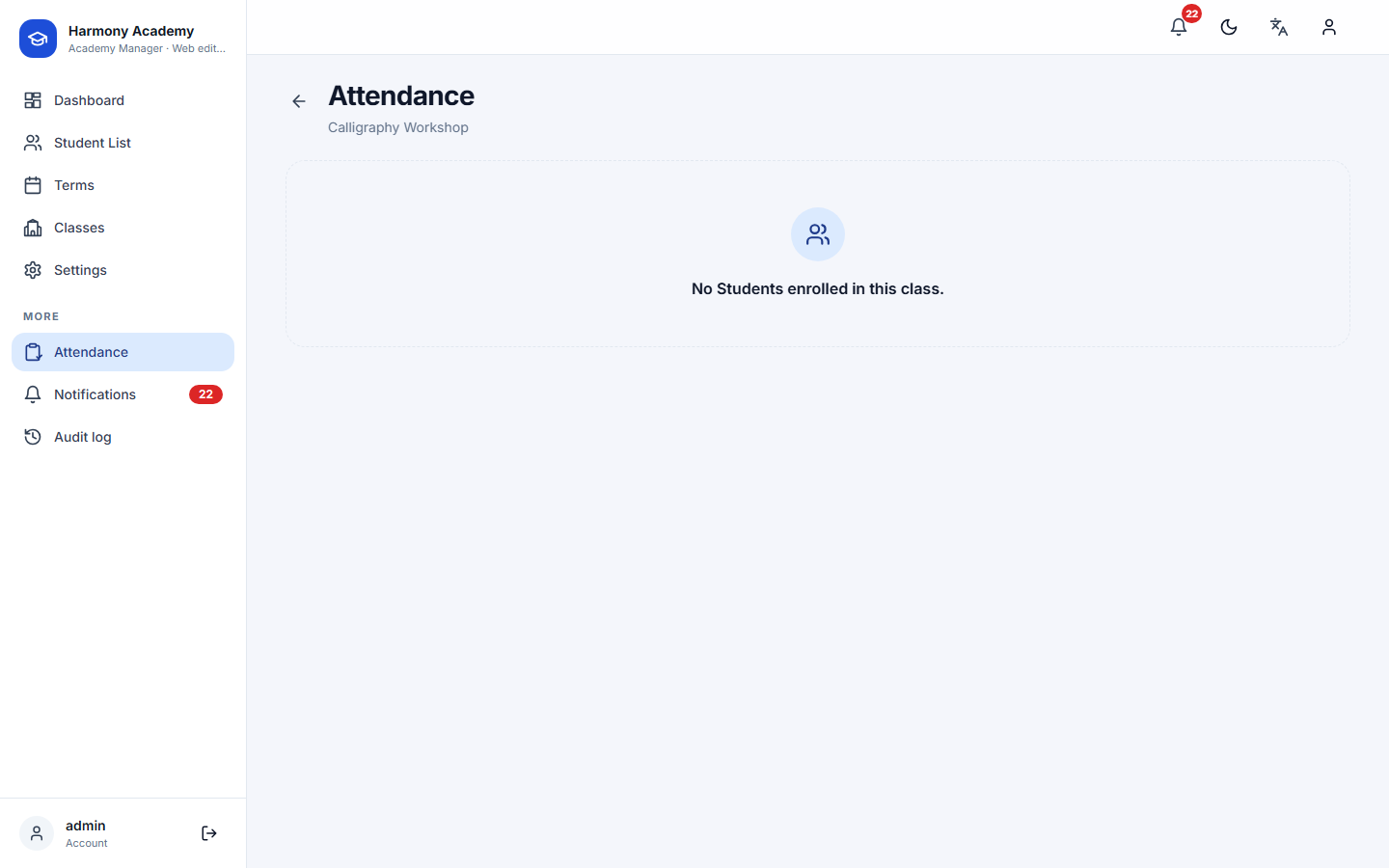
Mark present, late, absent or excused. Present and late consume a credit; absent and excused do not. The remaining balance updates live on the sheet.
Read moreDouble-entry ledger
Invoices, payments, discounts, adjustments. Edits need a reason, voids keep the row, every change lands in the audit log with before, after and delta.
Read moreReferral program
Reach the milestone, earn a percentage of tuition as credit. Credit is capped at what is still owed and never wasted on a free class.
Read moreAutomatic alerts
Unpaid balances, enrollments ending, attendance not taken today, credits running out, backup overdue. Deduplicated, so you see each once.
Read moreEncrypted backups
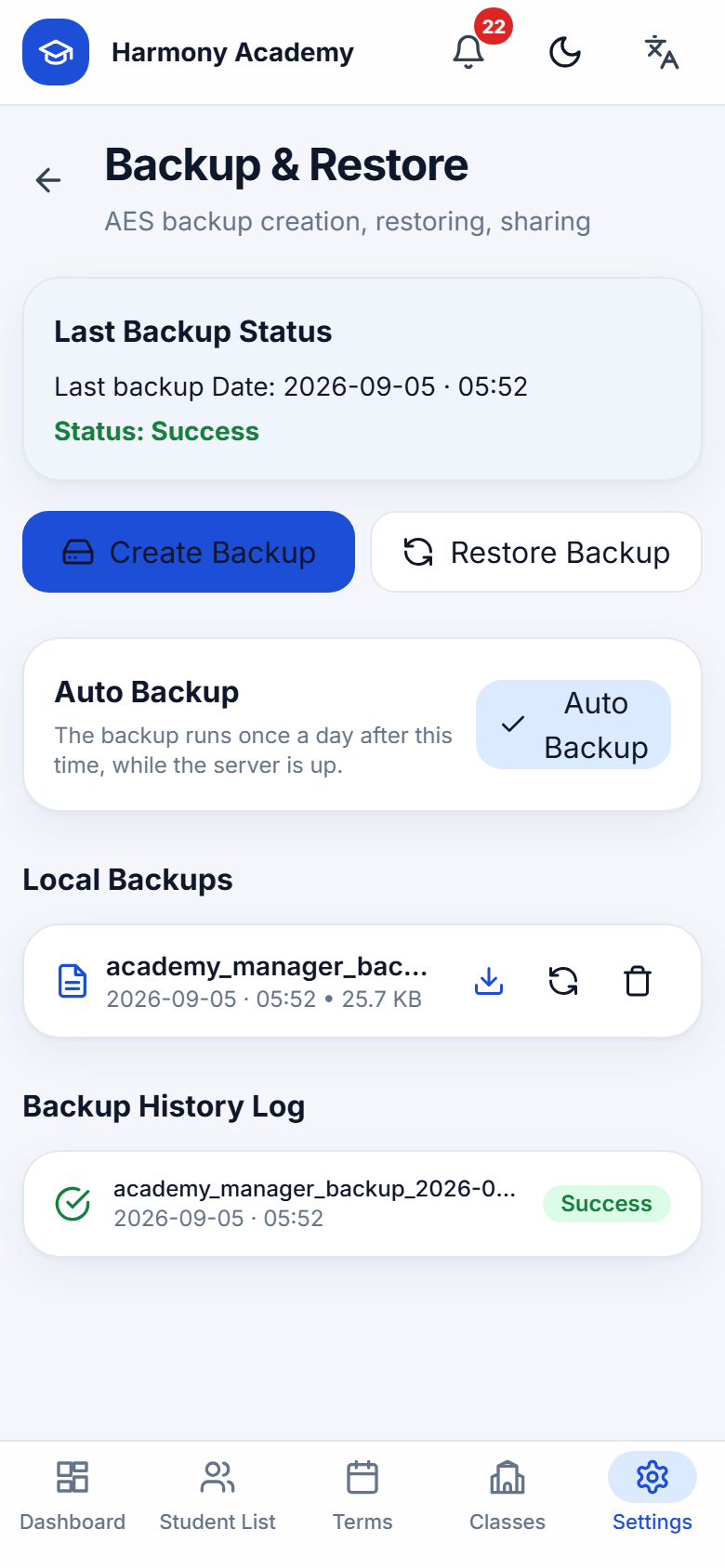
One password, one .ambak file: database plus photos, AES-256-CBC with an integrity tag. Restore on the phone or on the web, the format is identical.
Read moreThree languages, two calendars
English, Arabic and Persian with full right-to-left layouts, Persian digits and the Jalali calendar. Light and dark themes on every screen.
Read moreFrom first run to first report in an afternoon
- 1
Set up
Create the admin account, pick language, learner label and currency, name your academy.
- 2
Build the timetable
Add a term, add classes with schedules, capacity and session credits.
- 3
Enroll and collect
Enroll learners; the invoice opens itself. Record payments as they arrive.
- 4
Teach and track
Take attendance in seconds, watch credits count down, share the parent report.
A ledger you can defend
Balance = invoices − discounts − referral credit − payments + adjustments. Every enrollment's final amount is recomputed from its live ledger rows, so the card and the books never disagree. Voided rows stay visible, struck through, with the reason.
Read more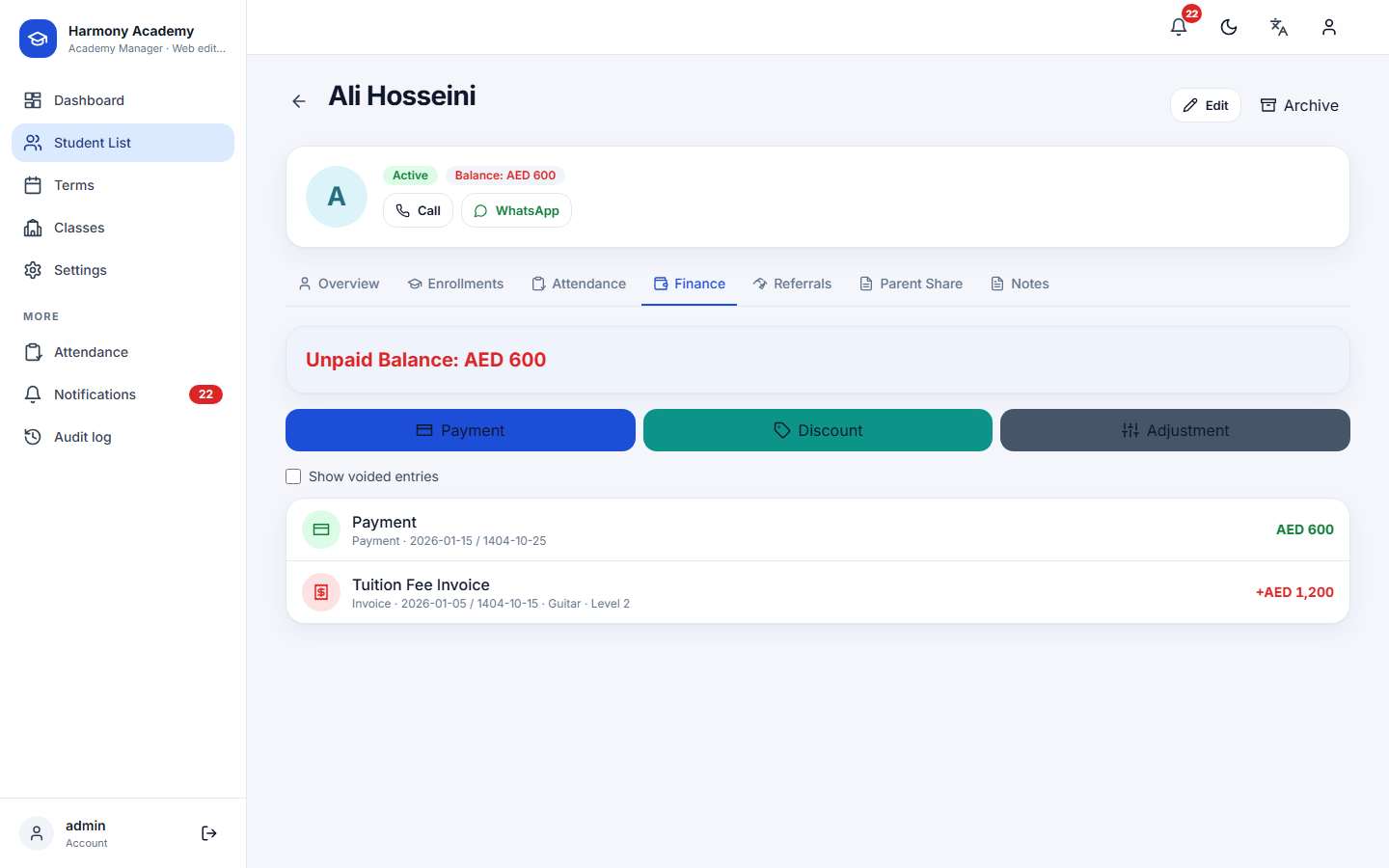
Session credits that reflect reality
Sell twelve sessions, watch them count down. A late learner still used the session; an excused one did not. Change a status later and the credit is returned or taken automatically.
Read more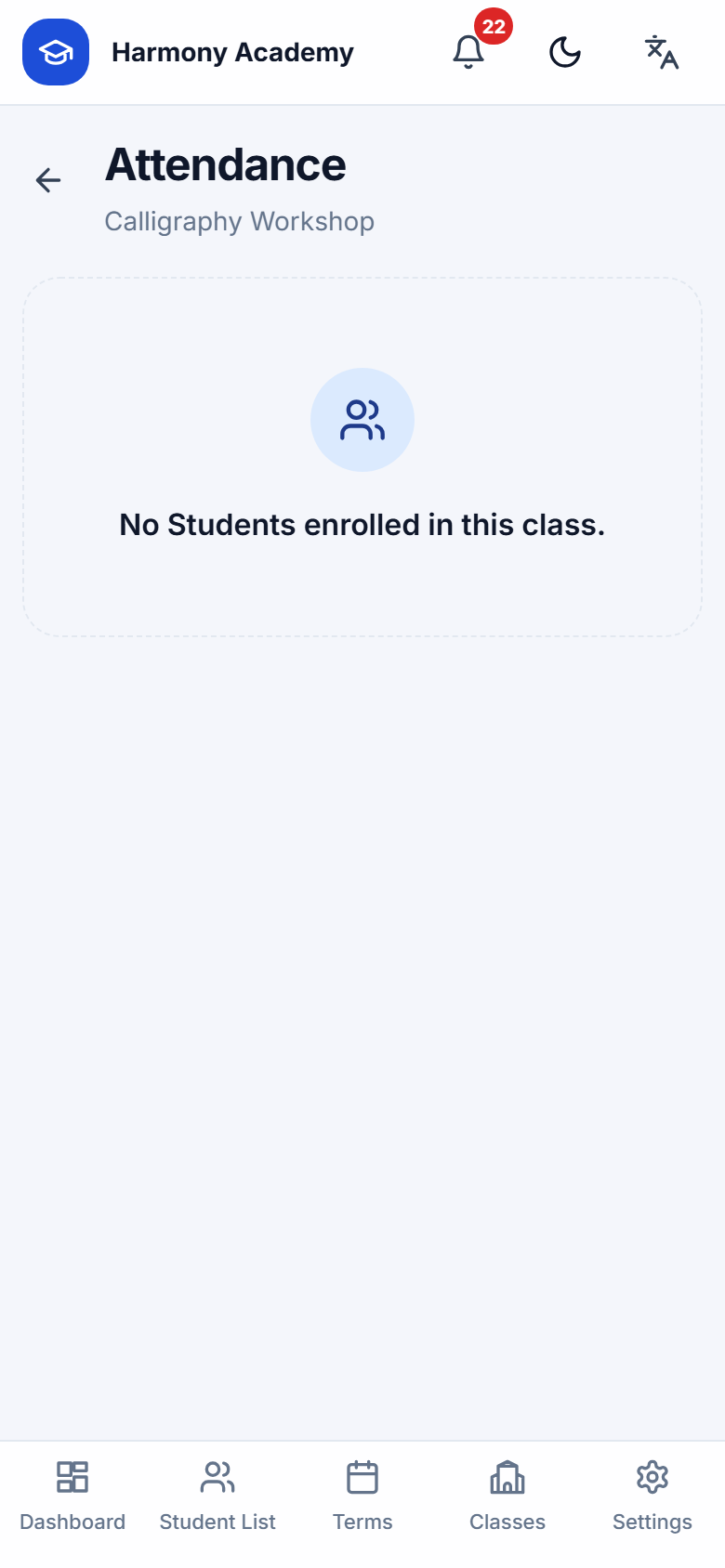
Your data, your file
Backups are ordinary files you keep wherever you like. PBKDF2 with 210,000 rounds derives the key; an HMAC tag detects a wrong password or a tampered byte before anything is decrypted.
Read more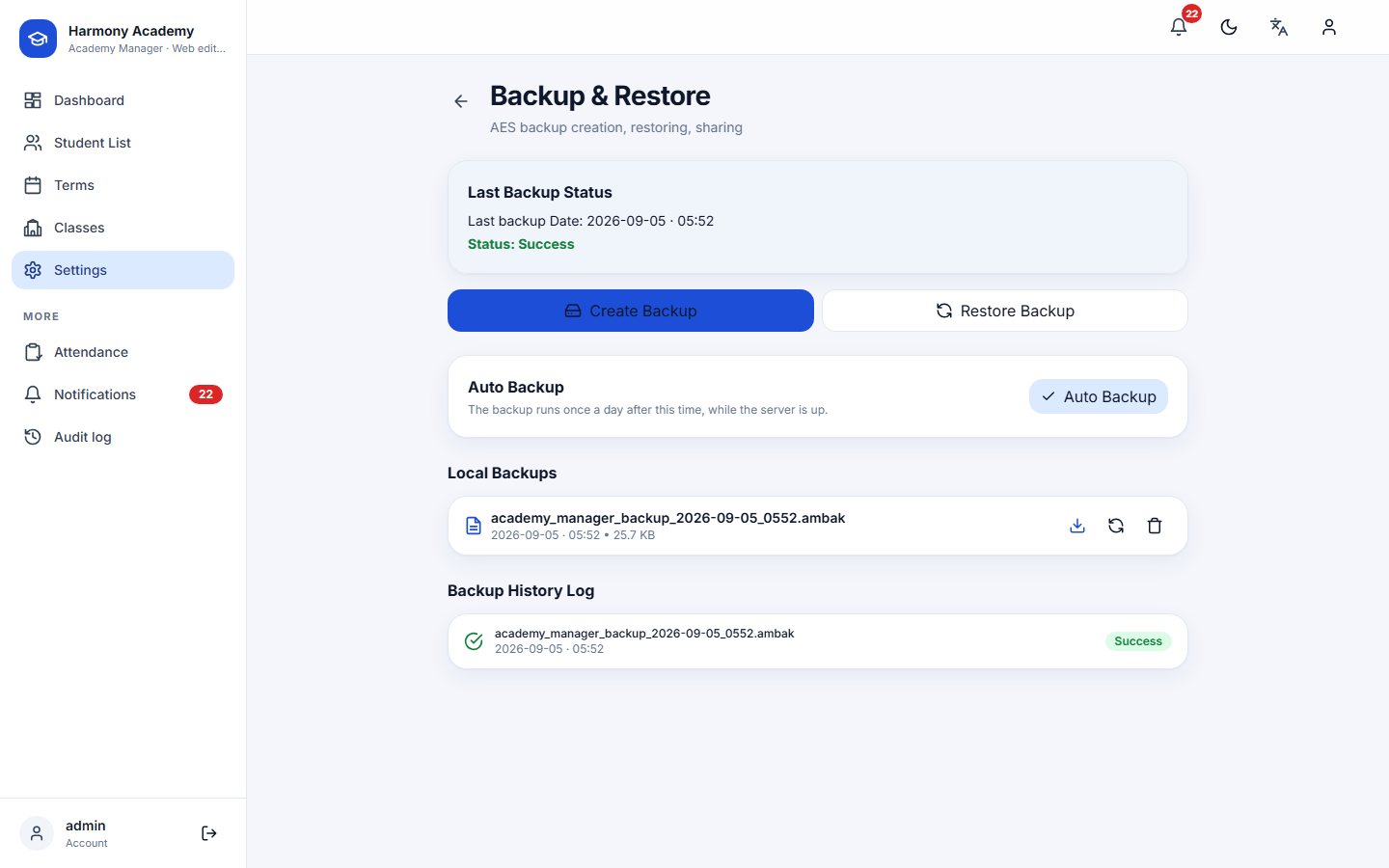
See it in your language
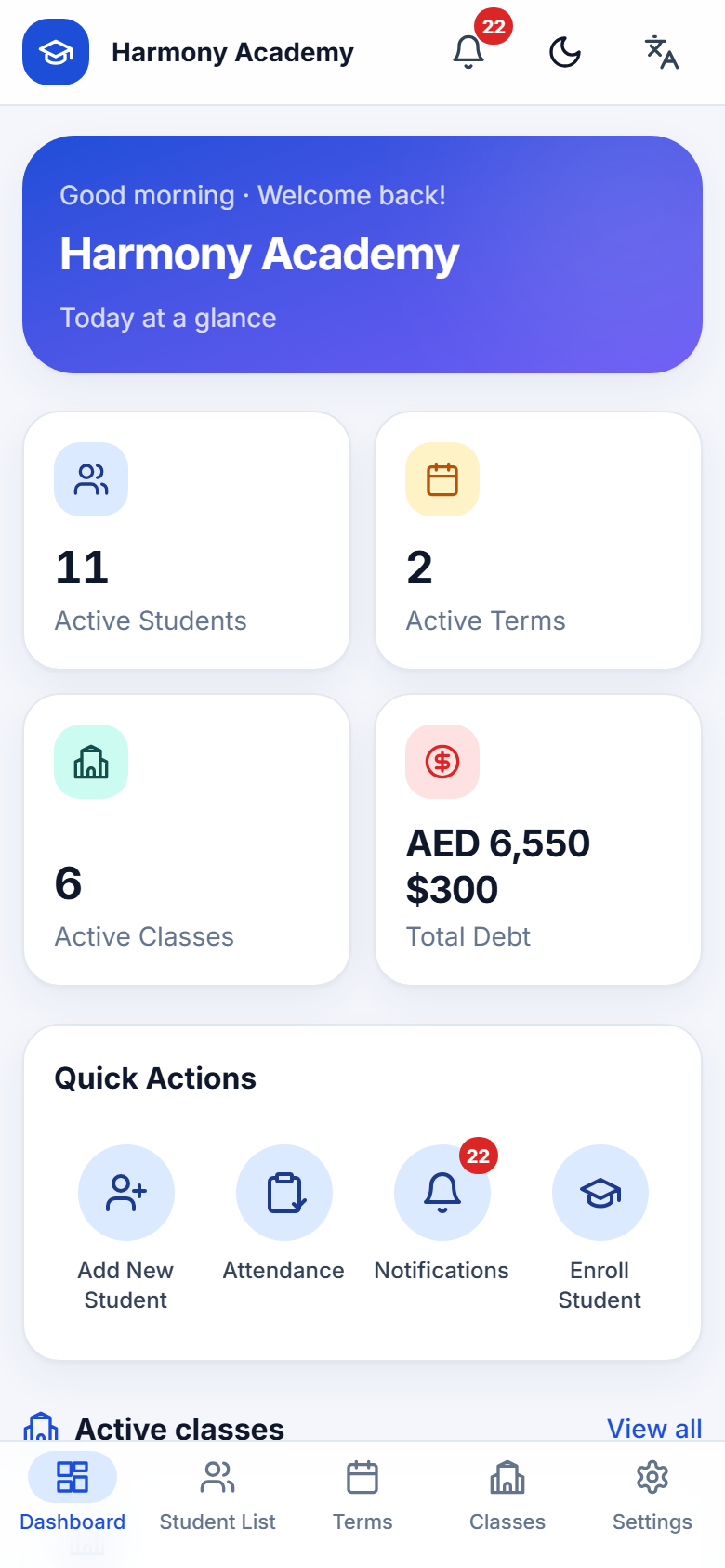
Real screens from the web edition. Switch the site language above to see the same screens in Arabic or Persian.
One product, two editions
Android app
Offline, single-user, Material 3. Ideal for the front desk tablet or a teacher's phone. Ships as an APK per language pair.
Web edition
The same logic on your own server: SvelteKit, SQLite, one Docker container, sign-in protected. Works on any browser, phone to desktop.
Both editions read and write the same backup file, so an academy can start on the phone and move to the web, or keep both.
Deploy in minutes on Coolify
A single container, a single volume. No external database, no queue, no cron service.
- 1
Create an Application from the Git repository; build pack: Dockerfile; port 3000.
- 2
Mount a persistent volume at /data.
- 3
Set ORIGIN to your public URL and TZ to your time zone; optionally restrict APP_LOCALES and APP_CURRENCIES.
- 4
Deploy, open the URL, create the admin account.
Questions academies ask
Does it need an internet connection?
The Android app never does. The web edition needs the browser to reach your server, which can be a machine on your own network.
Can I use it in Arabic or Persian?
Yes. Every one of the 450 interface strings exists in English, Arabic and Persian, layouts mirror for right-to-left, and Persian users get the Jalali calendar and Persian digits.
What happens if I delete something by mistake?
Nothing is deleted outright. Records are archived and can be restored. Permanent deletion is a separate, typed-confirmation step from Settings, and even then the audit log keeps the final balances.
Is my data locked in?
No. The database is a plain SQLite file with a documented schema, and backups are zip archives you can decrypt with your password.
How many learners can it handle?
The stress test ran 2,000 learners, 2,667 enrollments, 480 attendance sessions and 100 concurrent users on one small server without errors. See the audit page for the numbers.