User guide · 11/15
Backup & restore
Encrypted .ambak files, creating and downloading them, restoring from a file or from the server, the daily automatic backup, and how the app and the web edition exchange data.
What a backup is
A backup is one file, academy_manager_backup_<date>_<time>.ambak, containing the whole database and every learner photo, zipped and encrypted with a password you choose. The format is the same on the phone and on the web:
AMBK2 | salt (16) | iv (16) | AES-256-CBC(zip) | HMAC-SHA256 (32)
key   = PBKDF2-HMAC-SHA256, 210,000 rounds
The integrity tag is checked before anything is decrypted, so a wrong password or a tampered file is detected exactly, not by a garbled restore. Older .ambak files from earlier app versions still restore.
The password is not stored anywhere. Losing it means losing the backup; keep it in a password manager.
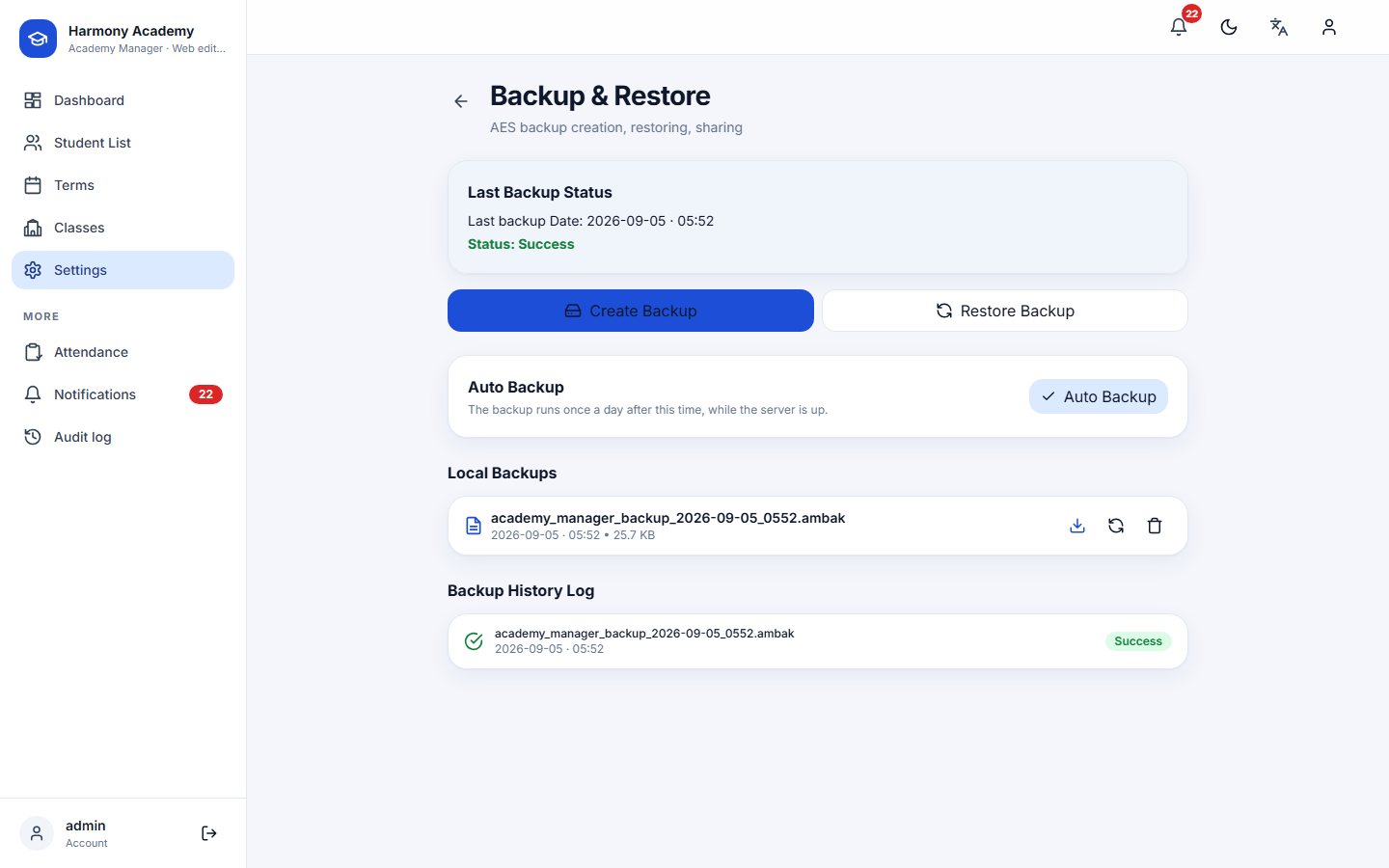
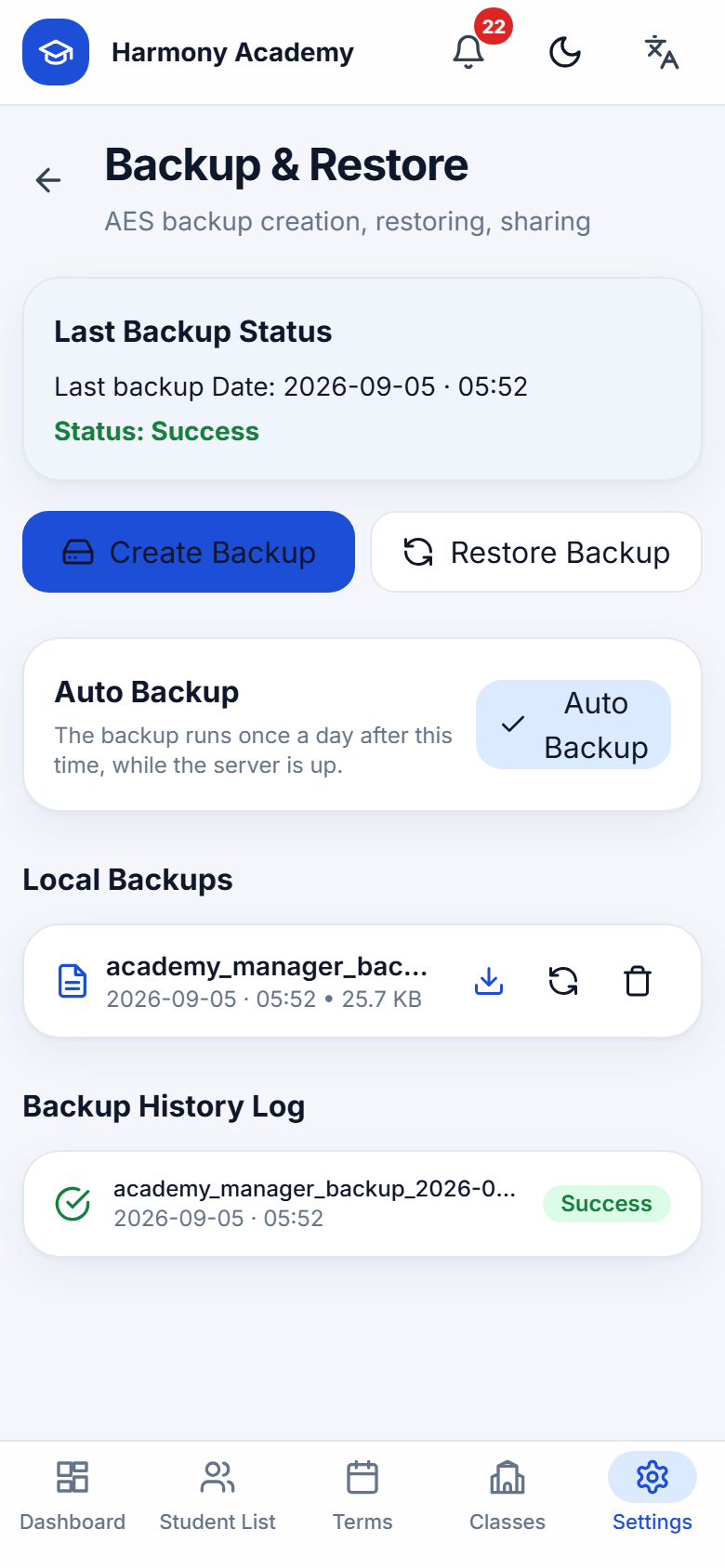
Creating a backup
Create backup asks for a password twice, writes the file to the server (or the phone's backup folder), records it in the history, raises a Backup completed alert and updates the last-backup date. On the web, the file appears under Local backups with a Download button; on the phone you can share it.
Restoring
Restore backup accepts an uploaded .ambak file or one of the files kept on the server, plus its password. The current database is replaced only after the restored file has been verified; photos inside the archive are written back, and any entry that tries to escape the data folder is refused. Sign-in accounts live outside the backup, so nobody is logged out by a restore.
Restoring replaces everything with the state at the time of the backup, including settings. Take a fresh backup first if you might want to come back.
Automatic backup
Turn on Auto backup, give it a password and a time. Once a day, after that time, the app (while open) or the server (while running) creates a backup on its own and raises an alert. The auto-backup password is stored encrypted with a key that lives outside the database and outside every backup file.
Phone and web together
Because the file format and the database schema are identical, an academy can:
- start on the phone and move to the web by restoring the phone's backup on the server;
- keep both, sending a backup from one to the other whenever needed;
- restore a web backup on a phone.
See Mobile app & web edition for the details of what carries across.