User guide · 6/15
Attendance & session credits
Taking attendance for a class, the four statuses, how session credits are consumed and returned, and where the remaining balance shows.
Picking a class
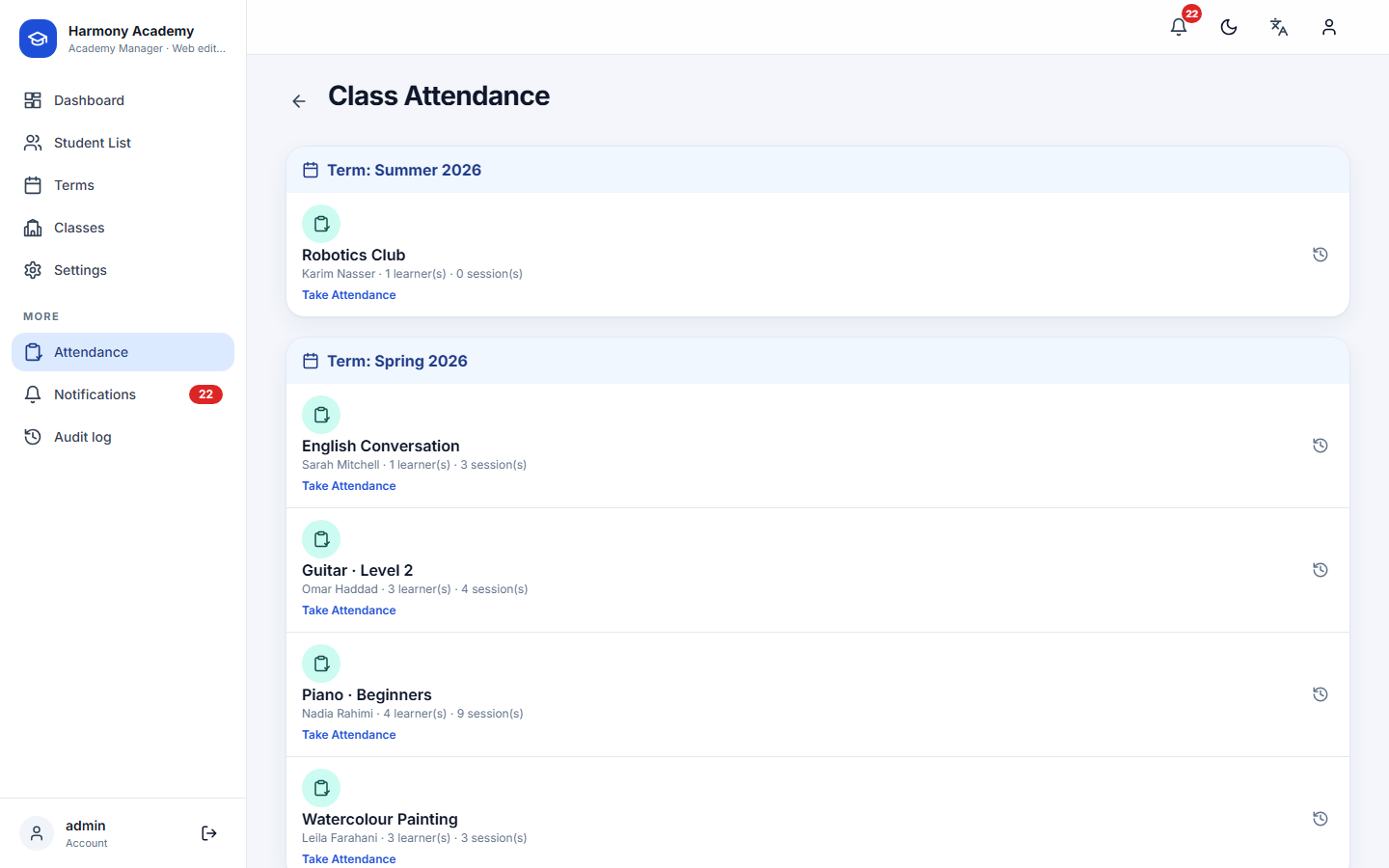
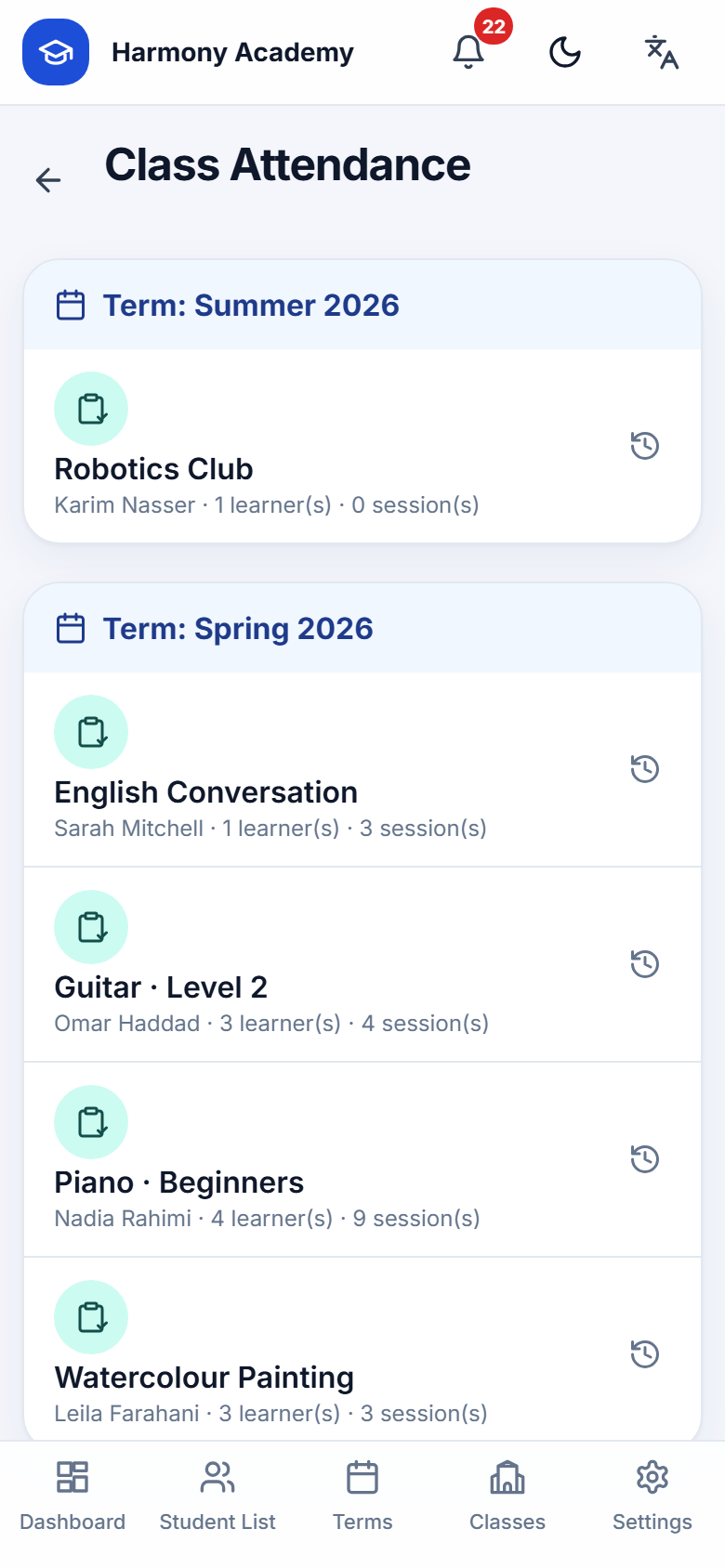
Attendance lists every class that has at least one attendable learner, grouped by term. Each row opens a new sheet for today; the history icon opens past sessions.
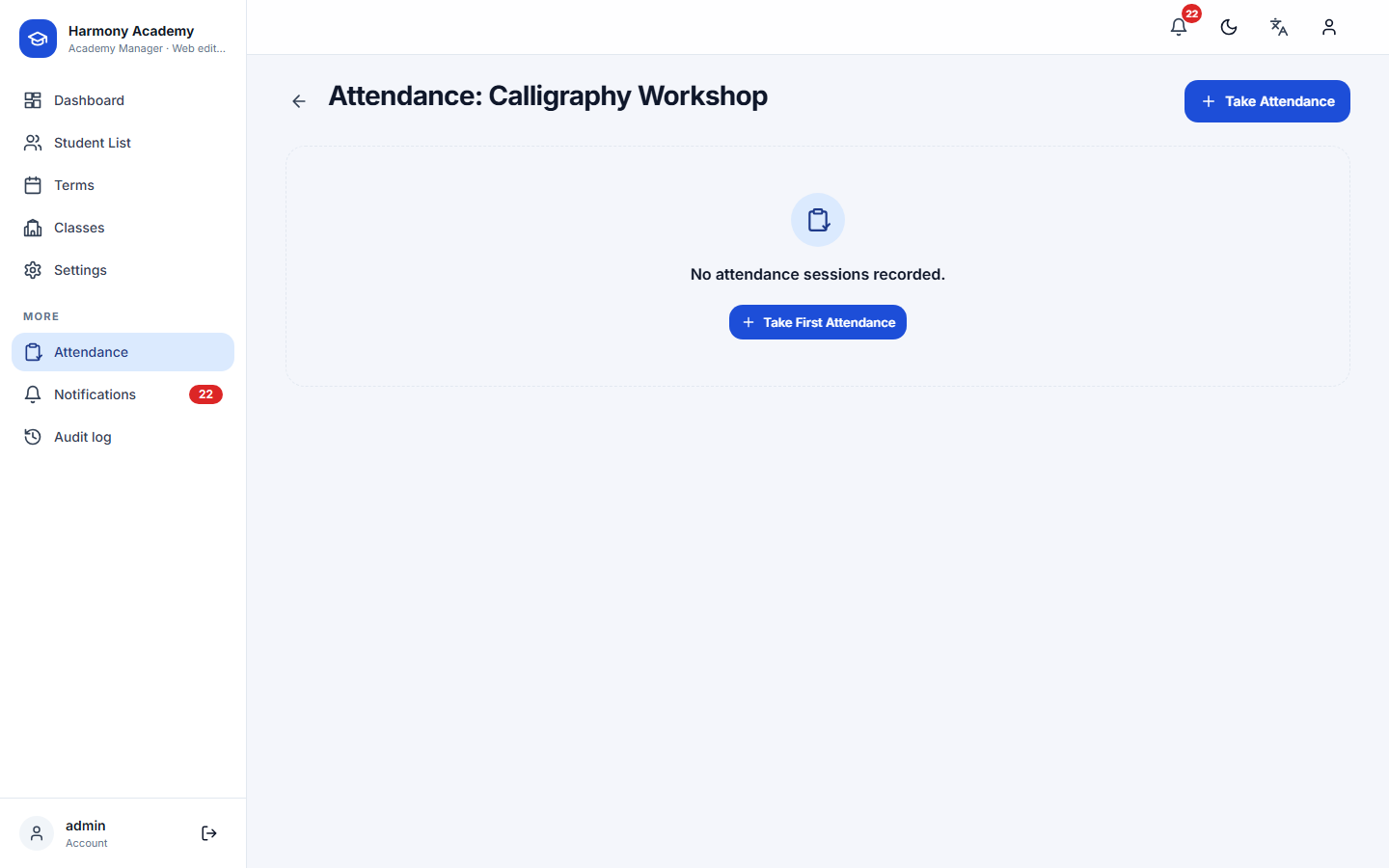
The sheet
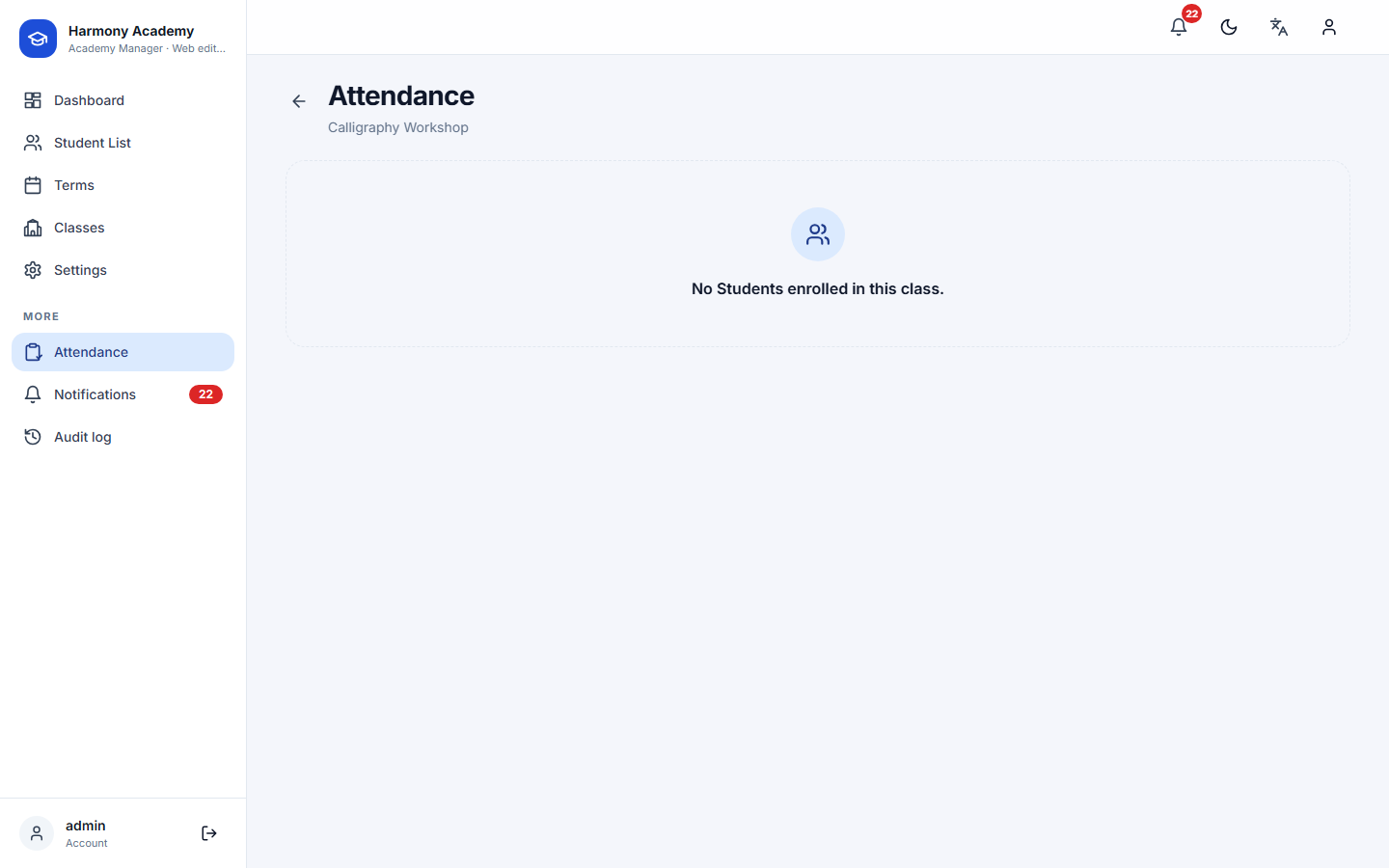
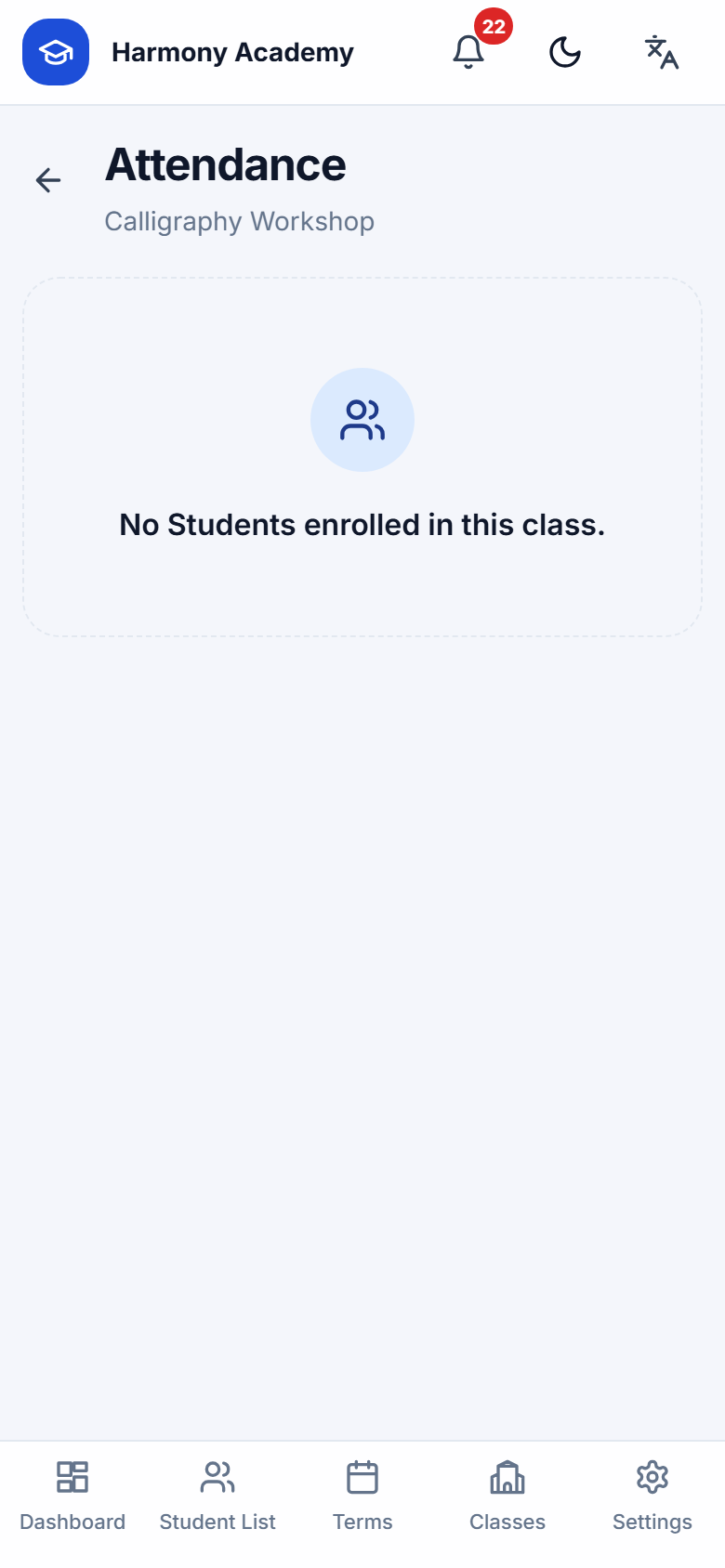
A sheet is one class on one day. The date and time can be changed (there is at most one session per class per day; opening a date that already has one loads it for editing). The title defaults to Regular Session · date · time and can be renamed; the notes field is for the session as a whole.
Every learner gets four buttons, Present, Absent, Late, Excused, and an optional note. All present fills the rest in one tap. Unmarked learners are highlighted and are saved as present when you submit, exactly like the app.
Session credits
A class can sell a fixed number of sessions, its session credits; each enrollment copies that number and can override it. The rule is simple:
| Status | Consumes a credit? |
|---|---|
| Present | yes |
| Late | yes, the learner attended |
| Absent | no |
| Excused | no |
Remaining credits = total − sessions consumed. Each attendance record remembers whether it consumed a credit, so changing a status later returns or takes the credit automatically, and editing an old sheet is always safe.
The chip next to each name on the sheet is live: it shows what the balance will be after you save, including the change you are making right now. Green means fine, amber means at or below the low-credit threshold, red means finished.
Where credits appear
- On the sheet, as the live chip.
- On the learner's Enrollments tab, as a progress bar with used of total and remaining.
- On the class page, next to each learner.
- On the dashboard, as the class's credit setting.
- In the parent report, as remaining / total.
- As alerts: Sessions running out at the threshold (2 by default, Settings → Notifications) and Credit finished at zero.
Attendance history for a learner
The profile's Attendance tab counts present, absent, late and excused across all classes and lists every session with its date, title and note.