User guide · 4/15
Terms & classes
Terms group classes and set default dates; classes carry the teacher, weekly schedule, capacity, tuition, currency and session credits.
Terms
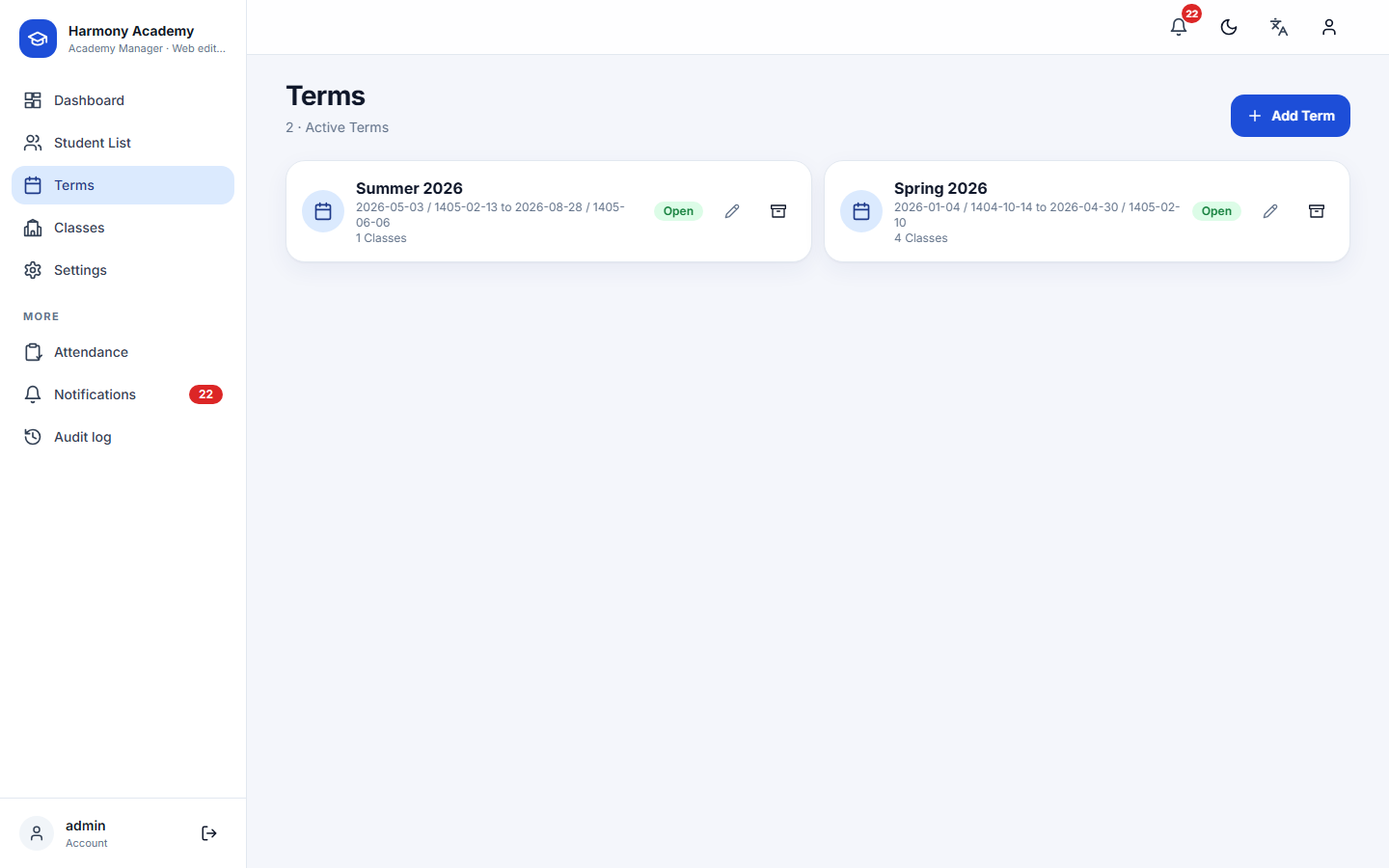
A term is a named period with a start and an end date: Spring 2026, Summer intensive, and so on. Term names must be unique among non-archived terms. When a class belongs to a term, new enrollments default to the term's dates.
The term page lists its classes; expand one to see who is enrolled. Attach an existing class moves an independent class under the term.
Classes
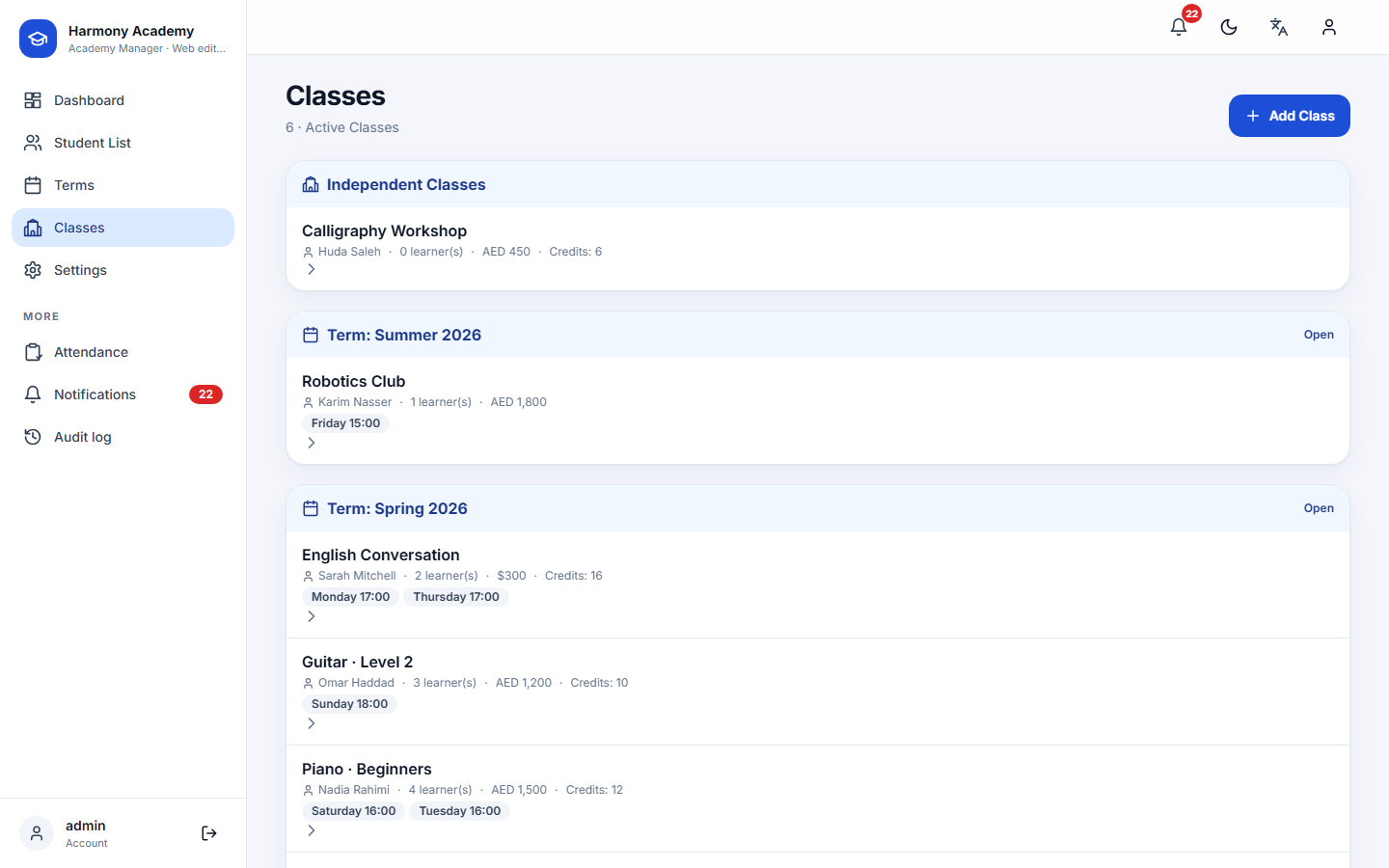
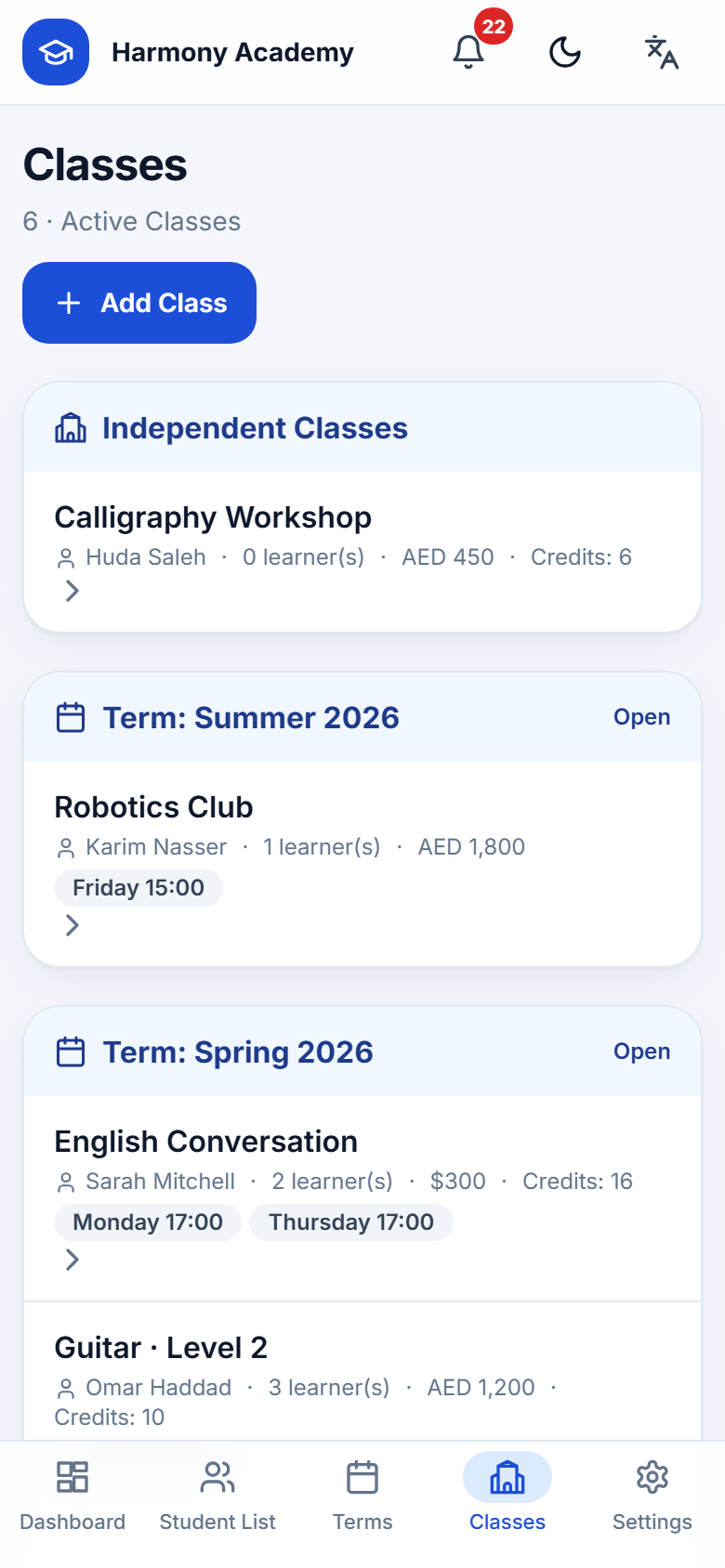
Classes are grouped by term; classes without a term appear under Independent classes. Each row shows the teacher, how many learners are live, the tuition and the schedule chips.
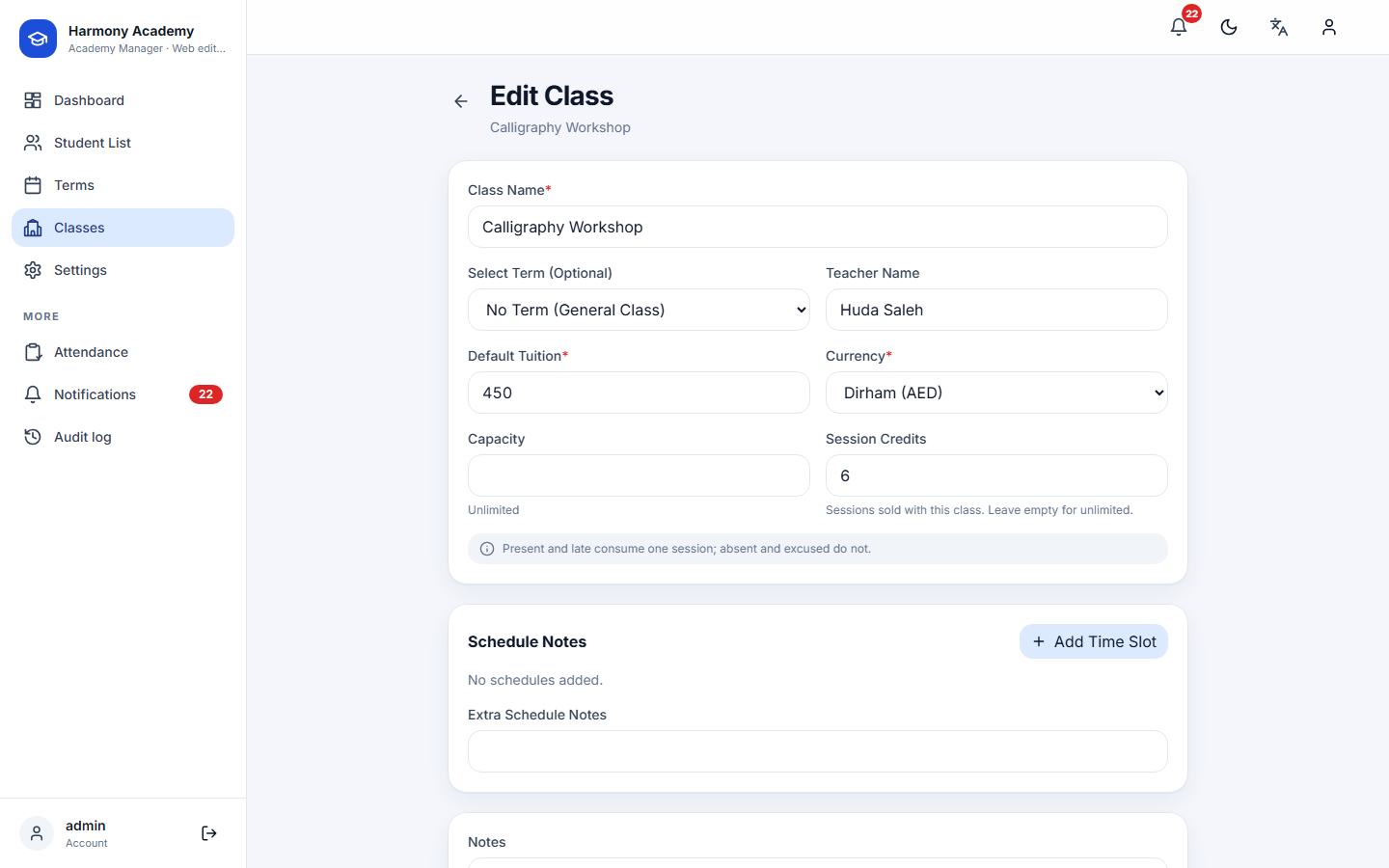
A class has:
- Name and optional term.
- Teacher name.
- Default tuition and currency. These prefill every enrollment; the enrollment can still change the amount.
- Capacity. Leave empty for unlimited. When set, the enrollment form refuses a new active enrollment once the class is full.
- Session credits. The number of attendable sessions sold with the class, copied to each new enrollment (and adjustable there). Empty means unlimited, that is, no credit tracking. See Attendance & credits.
- Schedule: one or more weekly slots (day, start, end). Slots are used for the timetable-clash warning at enrollment and for the "attendance not taken today" alert.
- Free-text schedule notes and notes.
Class page
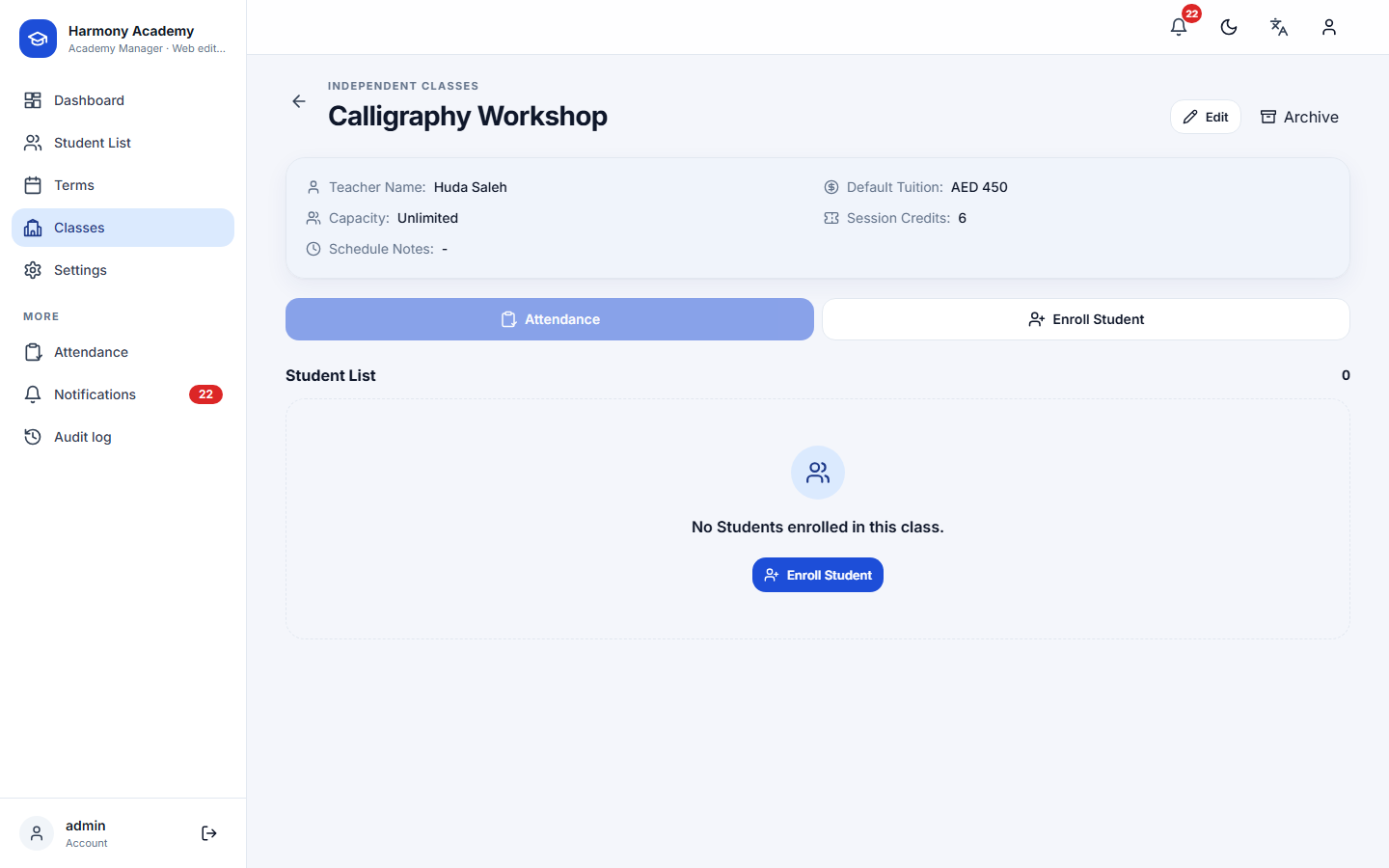

The class page shows the settings, the enrolled learners with their status, amount and remaining credits, and two actions: Attendance (history and a new sheet) and Enroll. The learner menu offers Cancel enrollment and Archive enrollment; both withdraw the charge and are explained under Enrollment.
Moving a class between terms
Editing a class and choosing another term re-points every enrollment of that class to the new term, so nothing is left behind.
Archiving
Archiving a term archives its classes and enrollments with it; restoring the term restores only what that cascade took, never a class you had archived separately. Restoring a class under an archived term restores the term too, because an active class cannot live under an archived term.