User guide · 12/15
Settings
Academy profile and country code, language, learner label, currency and calendars, appearance, referral rules, alert thresholds, account, logs and about.
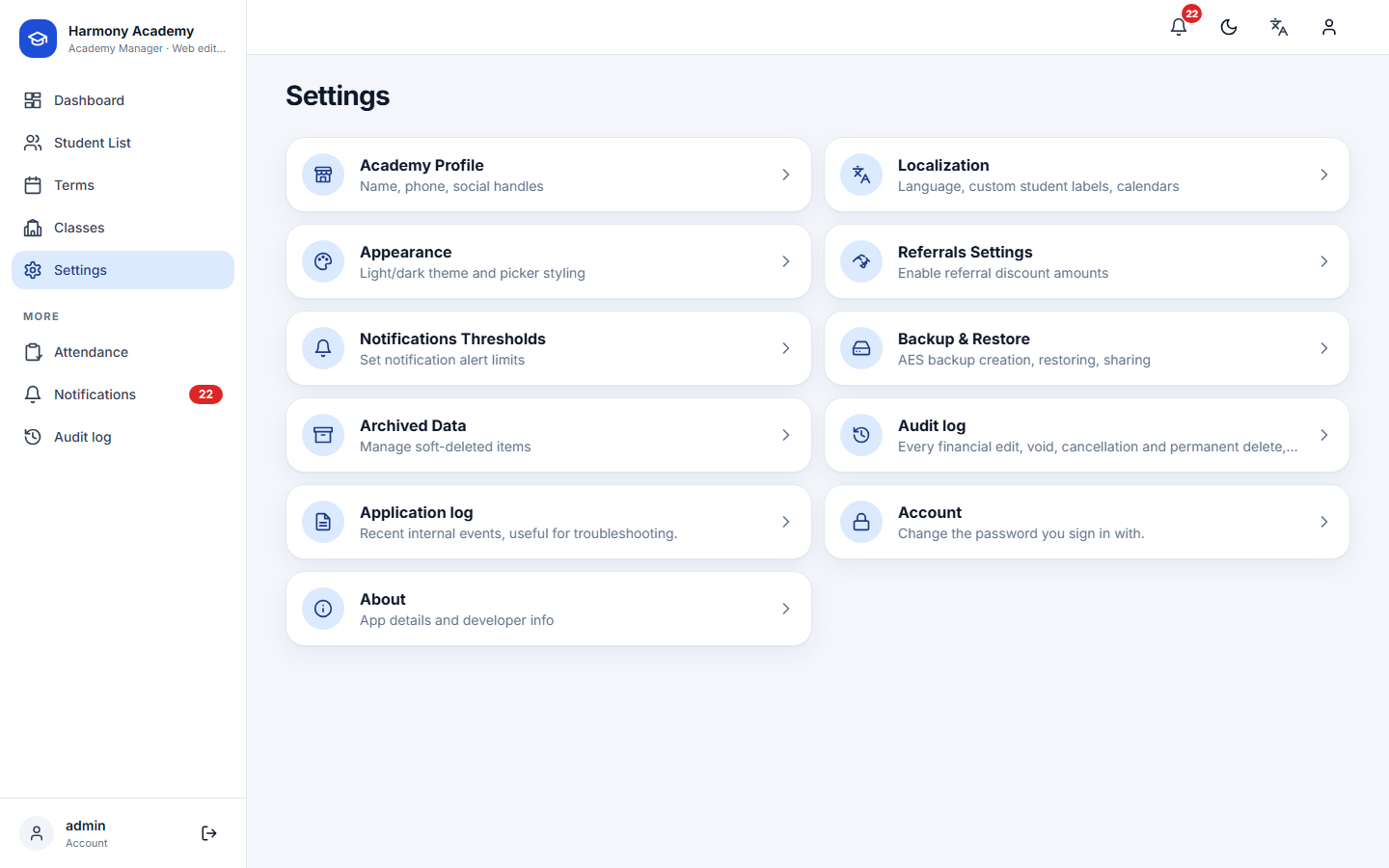
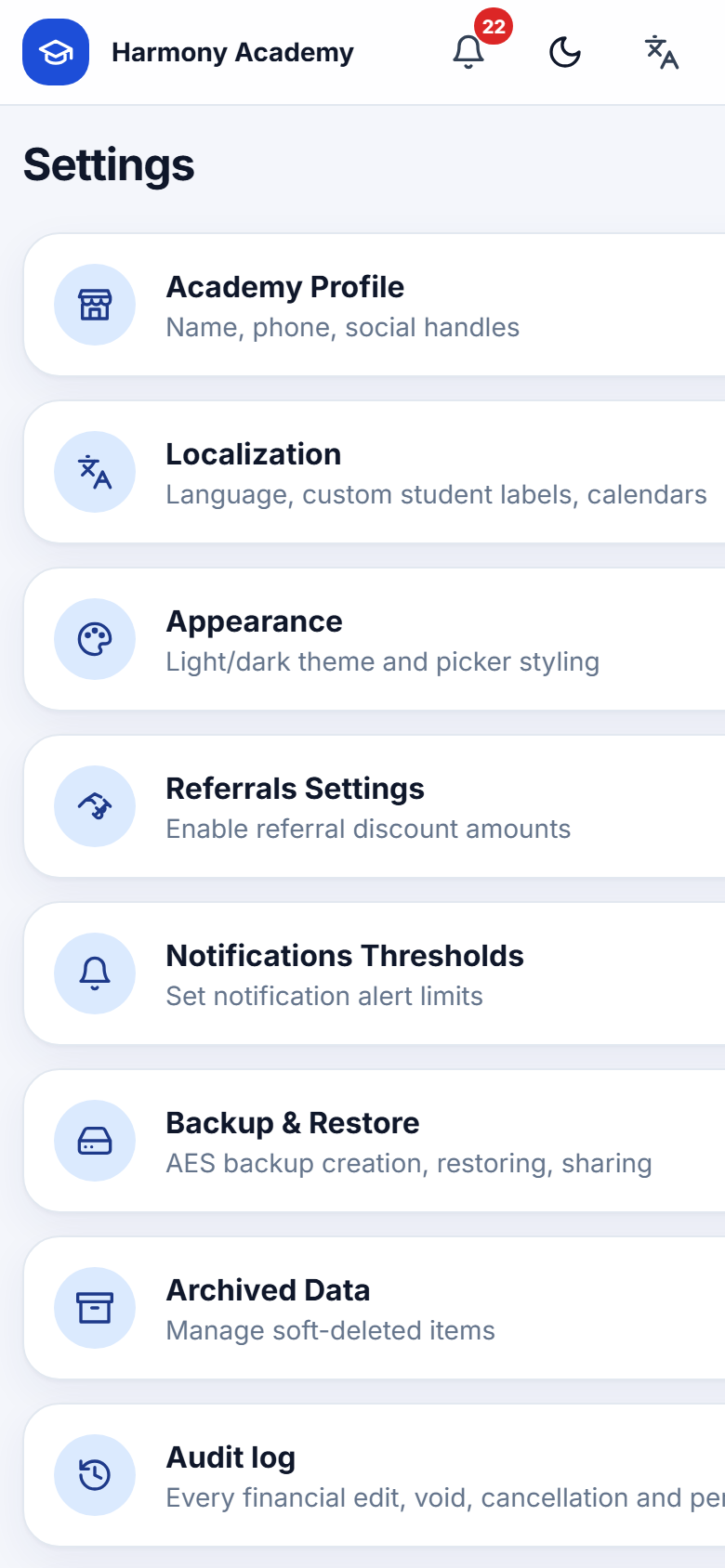
Academy
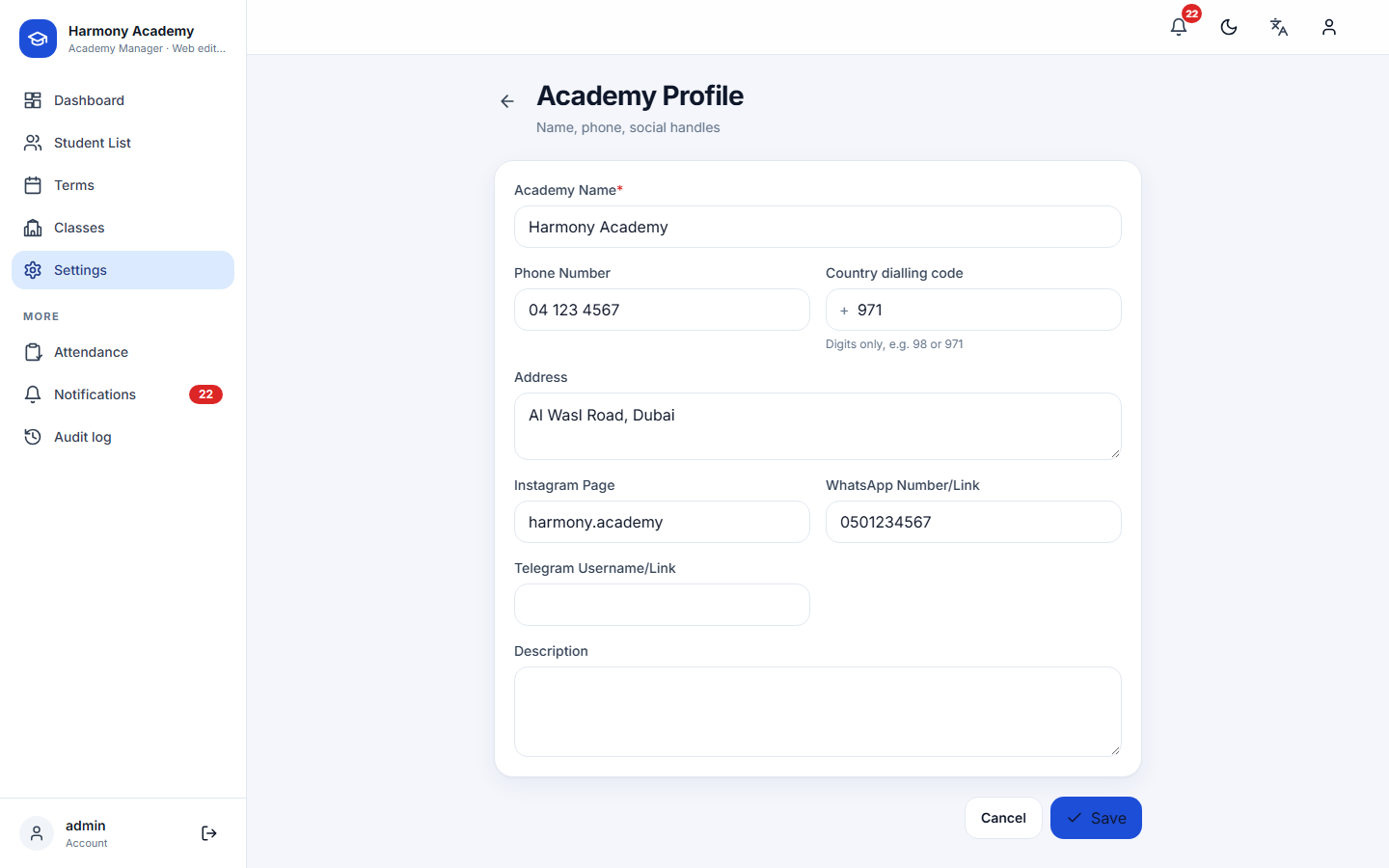
Name (required), phone, country code (used to build WhatsApp links from local numbers), address, Instagram, WhatsApp, Telegram and a description. The name appears in the top bar and on the parent report.
Language, calendar and currency
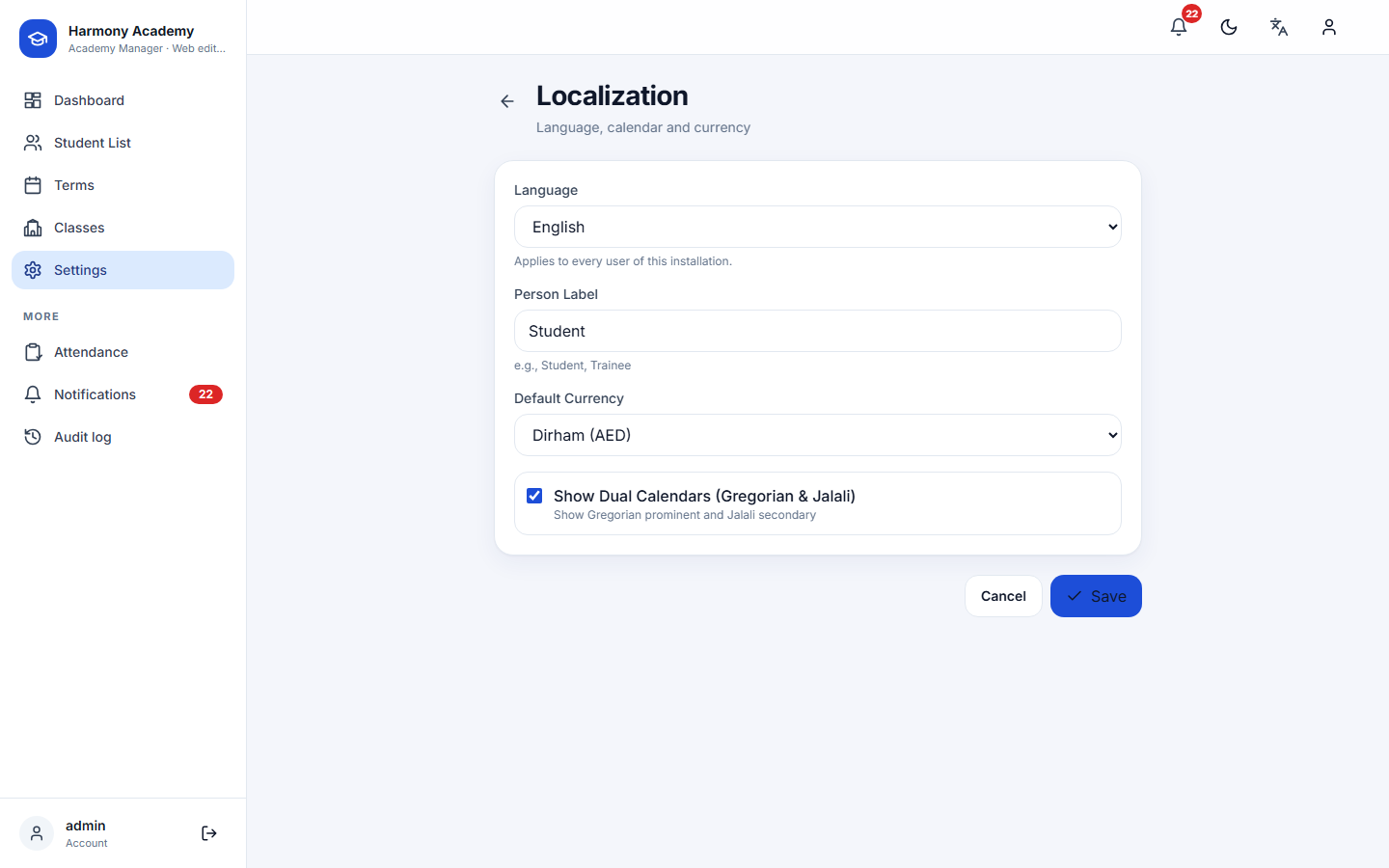
- Language: English, Arabic or Persian, for the whole installation. Every screen, alert text and report follows it. Ledger titles are stored as translation keys, so a ledger written in one language reads correctly after switching.
- Learner label: the word for the people you teach.
- Default currency: prefilled on new classes.
- Show both calendars: when Persian is available, English screens can show the Jalali date next to the Gregorian one.
The language menu in the top bar switches the same setting quickly.
Appearance
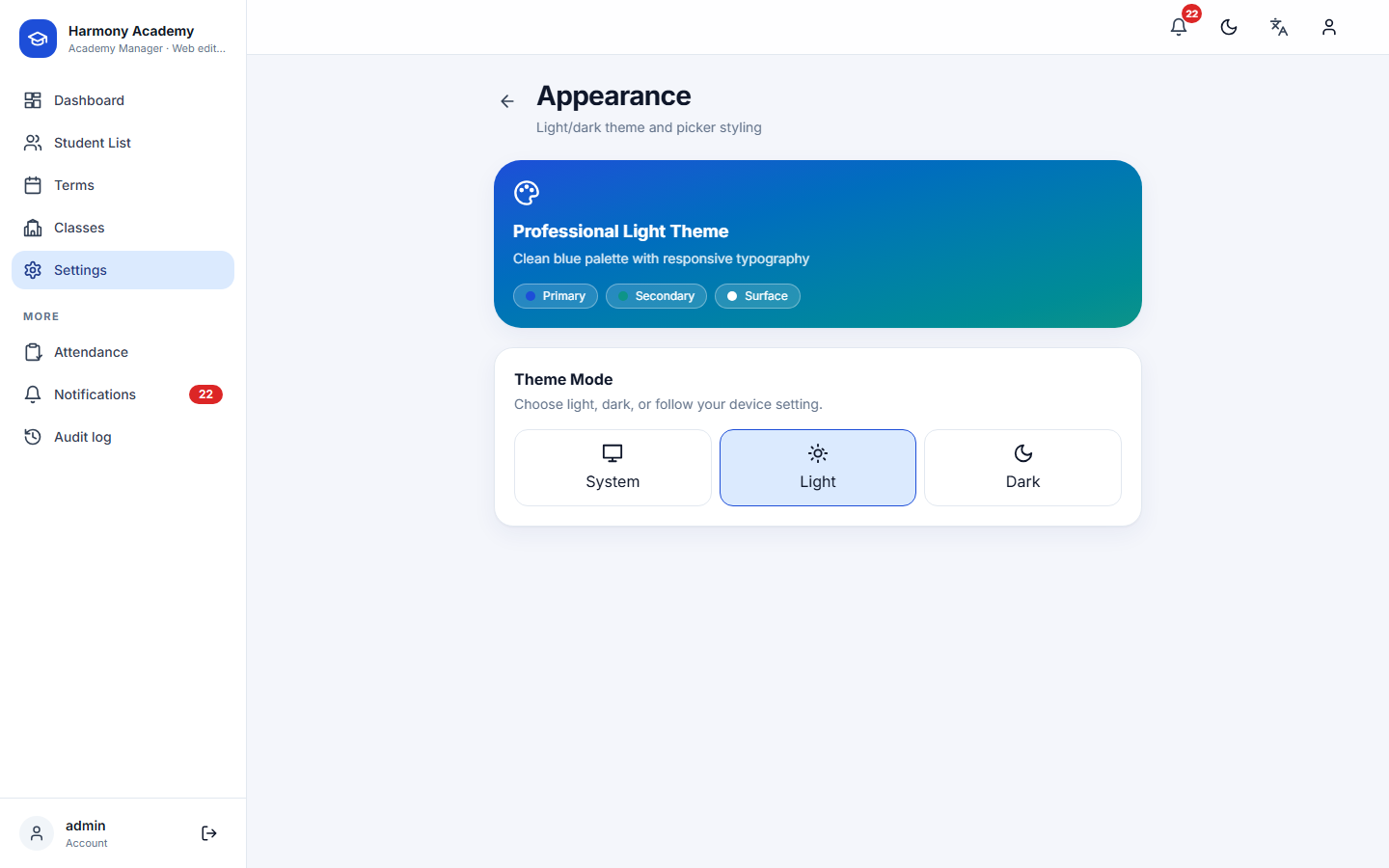
System, Light or Dark. The top-bar toggle flips between light and dark.
Referrals and notifications
Covered in Referral program and Notifications.
Backup and archive
Covered in Backup & restore and Archive & delete.
Audit log
Every financial and structural change, newest first, with before/after details and the reason. See Finance ledger.
Application log
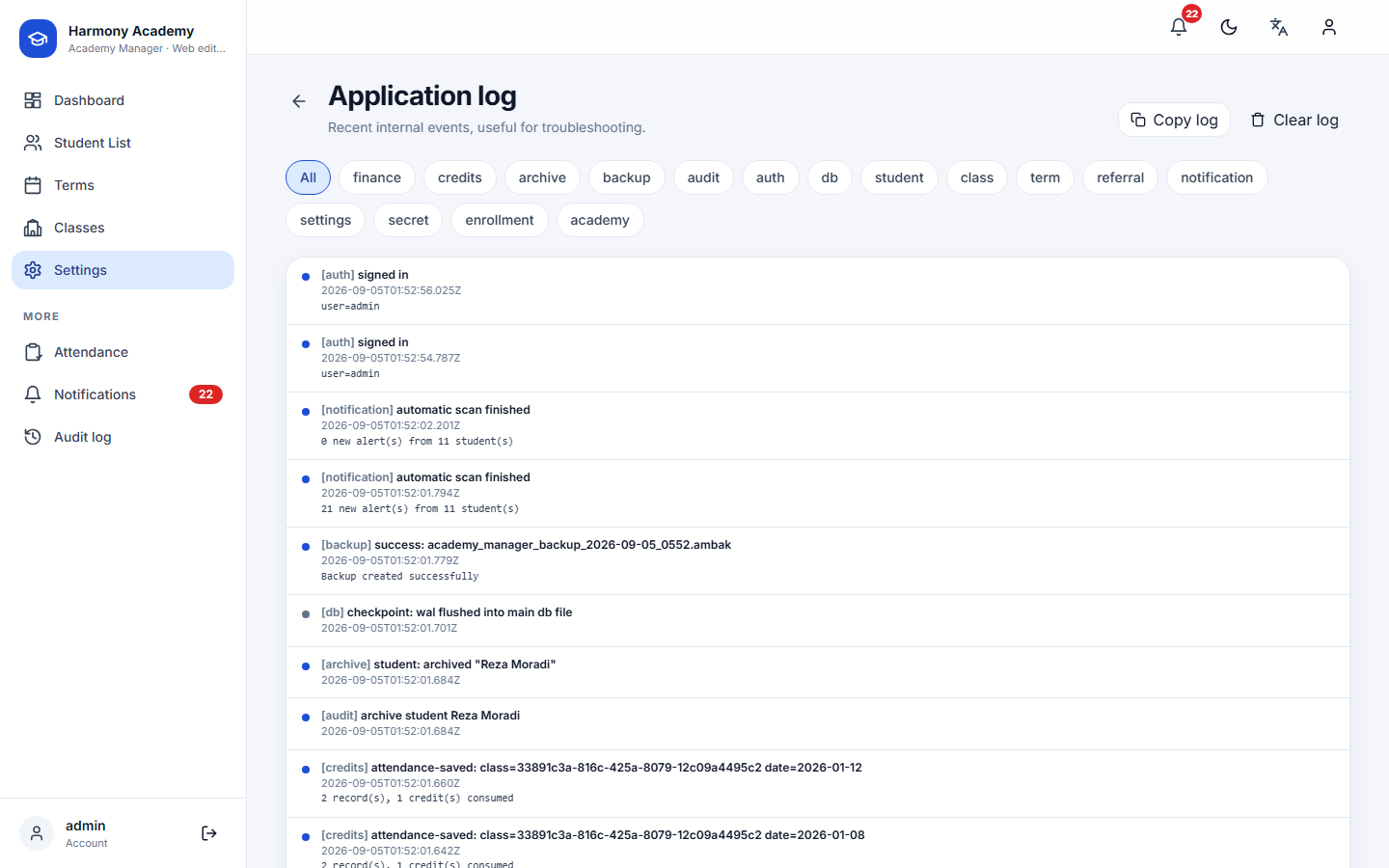
The last five hundred internal events, filterable by area (finance, credits, archive, backup, audit, auth, …), with copy and clear. It is the first place to look when a number seems off. On the web the same lines also go to the server log.
Account (web edition)
Change the password of the signed-in account. Doing so ends every other session.
About
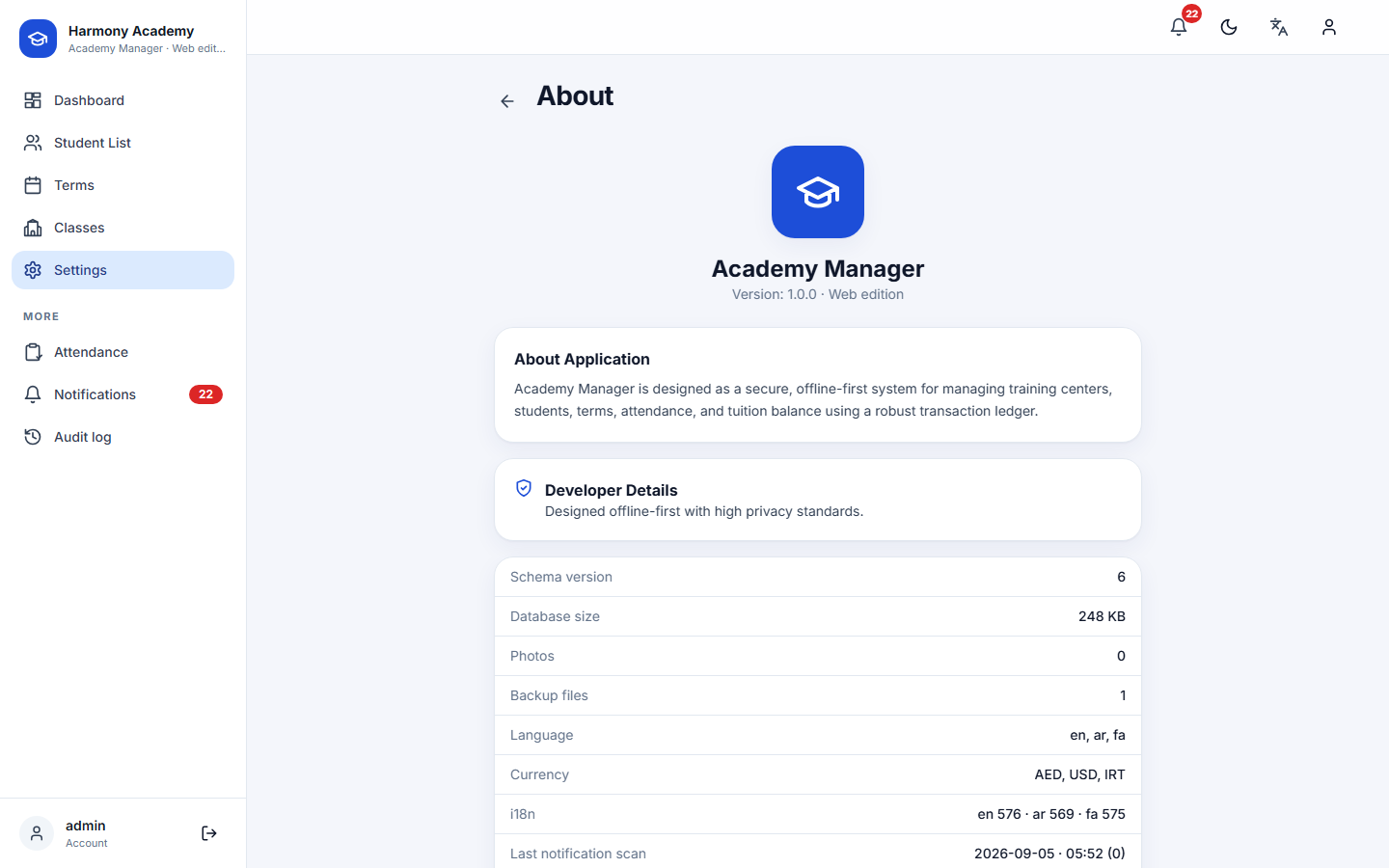
Version, schema version, database size, number of photos and backups, enabled languages and currencies, and the time of the last automatic check.