User guide · 8/15
Referral program
Reward learners who bring others: milestones, percentage credit, caps, pending credit applied at the next enrollment, and the referral tab.
Turning it on
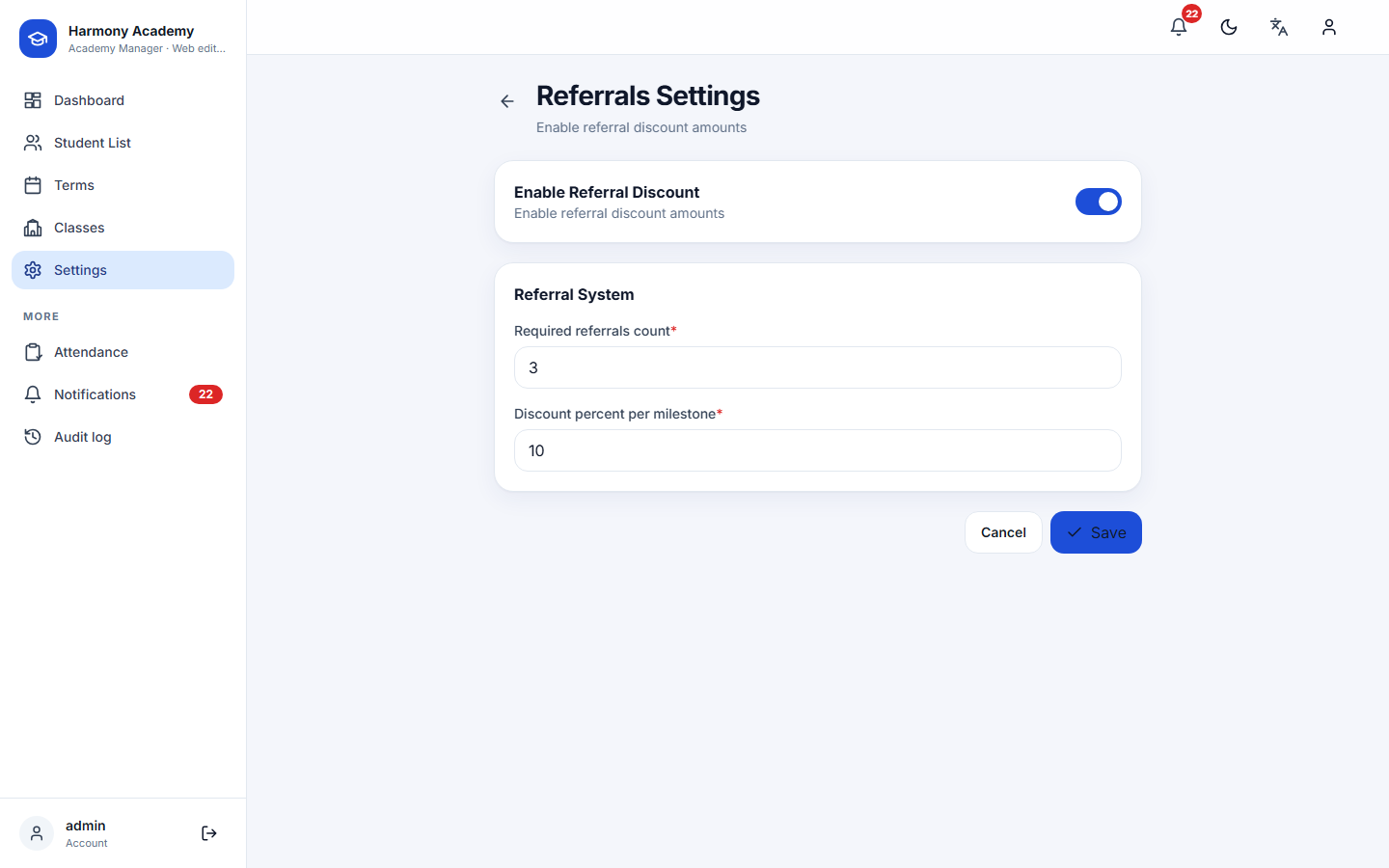
Settings → Referrals enables the program and sets two numbers:
- Required referrals: how many new learners make one milestone (3 by default).
- Discount percent: the share of the referrer's tuition credited per milestone (10 % by default).
Linking a referral
On the learner form, Referred by names the existing learner who brought them. Saving creates a pending referral for the referrer. Self-referrals and circular referrals (A refers B while B already refers A) are refused; changing the referrer later cancels the old pending link.
When credit is applied
- Immediately, if the referrer already has an active enrollment and this referral completes a milestone: a Referral Discount Credit row is added to that enrollment for percent × tuition, capped at what is still owed on it.
- At the next enrollment, otherwise: pending referrals wait, and when the referrer enrolls again every whole milestone is applied as one Applied Referral Credit row on the new enrollment, again capped at what is owed.
A milestone that cannot credit anything (a free class, or one already fully discounted) is not consumed; the referrals stay pending for a later enrollment instead of being spent for nothing. Credit is integer arithmetic; it never passes through fractions.
The referrals tab
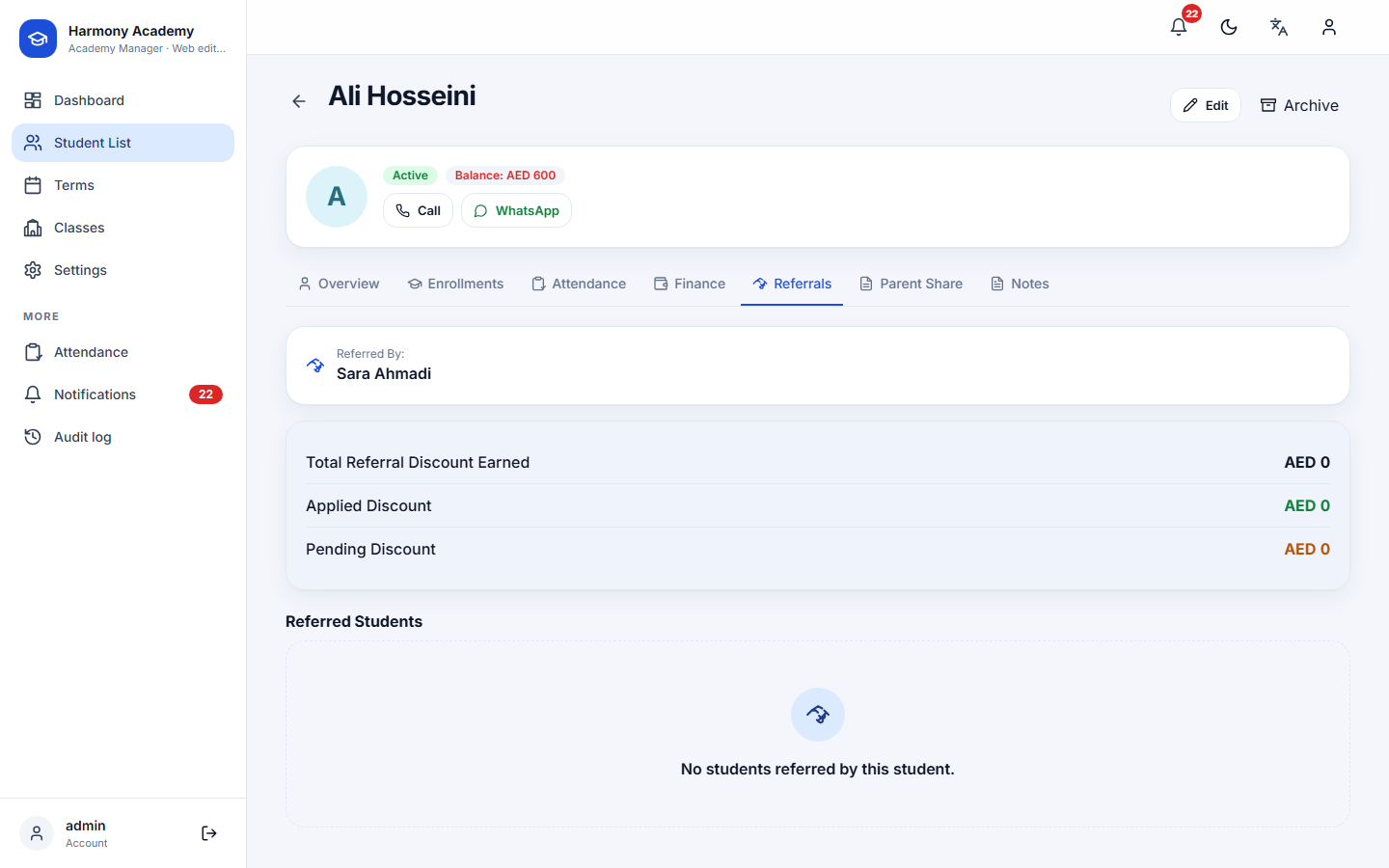
For each learner: who referred them, the learners they referred with the date, the credit each one was worth and its status (pending, applied, cancelled), and totals for earned, applied and pending, shown per currency so a mixed-currency academy sees real figures.
When you enroll a learner who has pending credit, the enrollment form shows a green banner with the amount that will be applied.